
ComponentOne Excel for .NET
Read and Write Excel format files with your applications.
Publicado por MESCIUS (formerly GrapeCity)
Distribuido por ComponentSource desde 1996
Read and Write Excel format files with your applications.
Publicado por MESCIUS (formerly GrapeCity)
Distribuido por ComponentSource desde 1996
ComponentOne Excel for .NET (Formerly ComponentOne XLS for WinForms) is now officially part of ComponentOne Studio Enterprise and ComponentOne Studio for WinForms.
If you require 5 or more individual licenses for ComponentOne Excel for .NET, please Contact Us for pricing and availability.
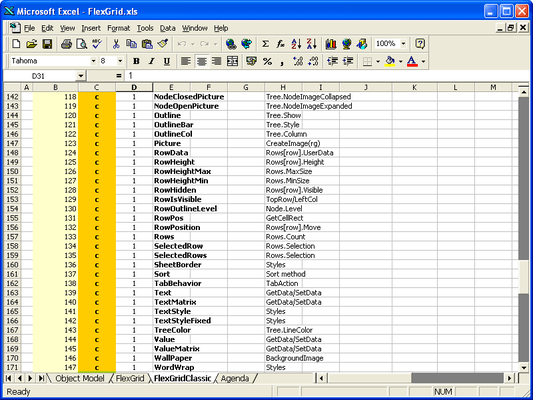
C1Excel is a library that reads and writes Microsoft Excel files using the BIFF8 format introduced in Excel 97 (version 8.0). C1Excel is extremely easy to use. Developers can load a workbook with a single command, manipulate sheets as if they were grid controls (composed of rows, columns, and cells), then save the workbook to an XLS file. ComponentOne Excel for .NET is Visual Studio 2005, Visual Studio 2008 and Visual Studio 2010 compatible (VS2005, VS2008, VS2010).

ComponentOne Excel for .NET is sold as part of the ComponentOne Studio Enterprise and the ComponentOne Studio for WinForms.
ComponentOne Excel for .NET is a new Excel spreadsheet component enabling you to easily read and write Excel files (xls, biff8) without utilizing Microsoft Excel. Now you can quickly create Excel spreadsheets for WinForms and WebForms applications with one easy-to-use component.
Developers can also use this powerful component to make the data contained in Excel files...
Chatee en vivo ahora mismo con nuestros especialistas en licencias de MESCIUS (formerly GrapeCity).



Tel: (888) 850 9911
Fax: +1 770 250 6199


