
Progress Column
Add a progress bar to your SharePoint lists.
Published by ArtfulBits
Distributed by ComponentSource since 2011
Prices from: US$ 245.00 Version: 2.1 Updated: Nov 22, 2016
Add a progress bar to your SharePoint lists.
Published by ArtfulBits
Distributed by ComponentSource since 2011
Prices from: US$ 245.00 Version: 2.1 Updated: Nov 22, 2016
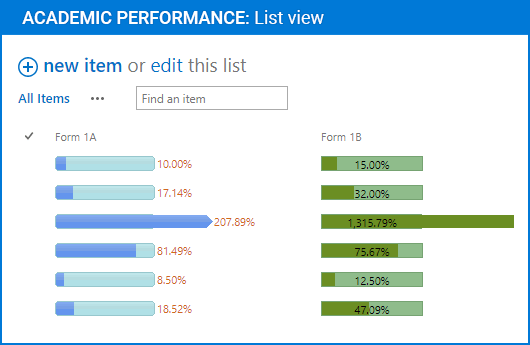
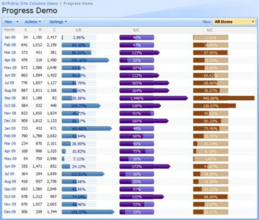
Progress Column provides users with the ability to make SharePoint lists more visual by displaying numerical data using a percentage-based progress bar. Progress Column is typically used when an application performs tasks such as project progress or sales activity. Users of an application might consider an application non-informative if there is no visual cue. By using Progress Column in your Microsoft SharePoint lists, you can provide the user with rich and live information related to the status of values in your lists.

ArtfulBits Progress Column provides users with the ability to make SharePoint lists more visual by allowing numerical data to be displayed as a percentage-based progress bar. Column settings are specified in order to adjust the column (background color, progress color, text color, progress width, etc.). You can easily convert ArtfulBits Progress column into standard numerical column and vice-versa in a single click.
Progress Column Feature List
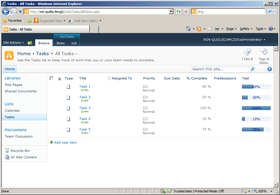
Progress Column is also available in:
Live Chat with our ArtfulBits licensing specialists now.

Tel: (888) 850 9911
Fax: +1 770 250 6199


