Aumenta la productividad con el formato de código
Aplicar automáticamente reglas coherentes para la sangría, el espaciado y la alineación para mejorar la legibilidad, la mantenibilidad y la colaboración del código.
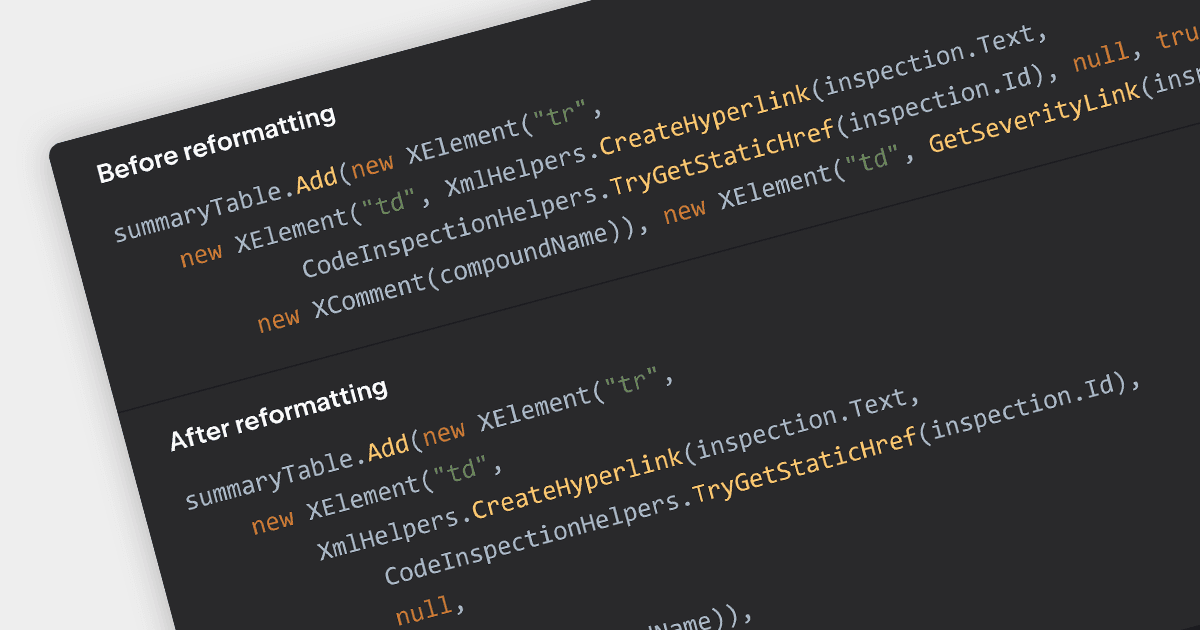
El formato de código coherente hace que el código sea más claro y fácil de entender, permitiendo que los equipos se centren en la función en lugar de luchar contra inconsistencias. Muchos IDE mejoran la productividad al ofrecer autocompletado/formato automático, ahorrando tiempo, evitando problemas de sangría y resaltando errores de sintaxis mientras escribes. Esto da lugar a una base de código más sólida, lista para el control de versiones con diferencias (diffs) claras y conflictos de combinación (merge) minimizados. Más allá de los desarrolladores individuales, el formato impulsa a todo el equipo mediante revisiones de código más ágiles y una mejor comunicación.
Varios IDE incorporan funciones de formato de código, entre ellas:
- Rider de JetBrains ofrece sangría inteligente y detección de estilo de código para C#, VB.NET y más.
- Delphi Enterprise de Embarcadero proporciona formato automático de código y resaltado de sintaxis para lenguajes basados en Pascal, reduciendo el desorden visual y los errores.
- EiffelStudio de Eiffel Software incluye reglas de formato integradas que garantizan que la sangría, las llaves y los espacios se ajusten a las mejores prácticas.
- Visual Studio Enterprise de Microsoft incluye perfiles de formato de código personalizables para C#, C++ y otros lenguajes, mejorando la legibilidad y la colaboración.
Para un análisis en profundidad de funciones y precio, visita nuestra comparación de IDE.