Ajusta fácilmente valores continuos en apps de React
Los controles de barra de desplazamiento / deslizador ofrecen una forma eficiente en cuanto al espacio e intuitiva para que los usuarios introduzcan datos numéricos o lineales dentro de un rango predefinido.
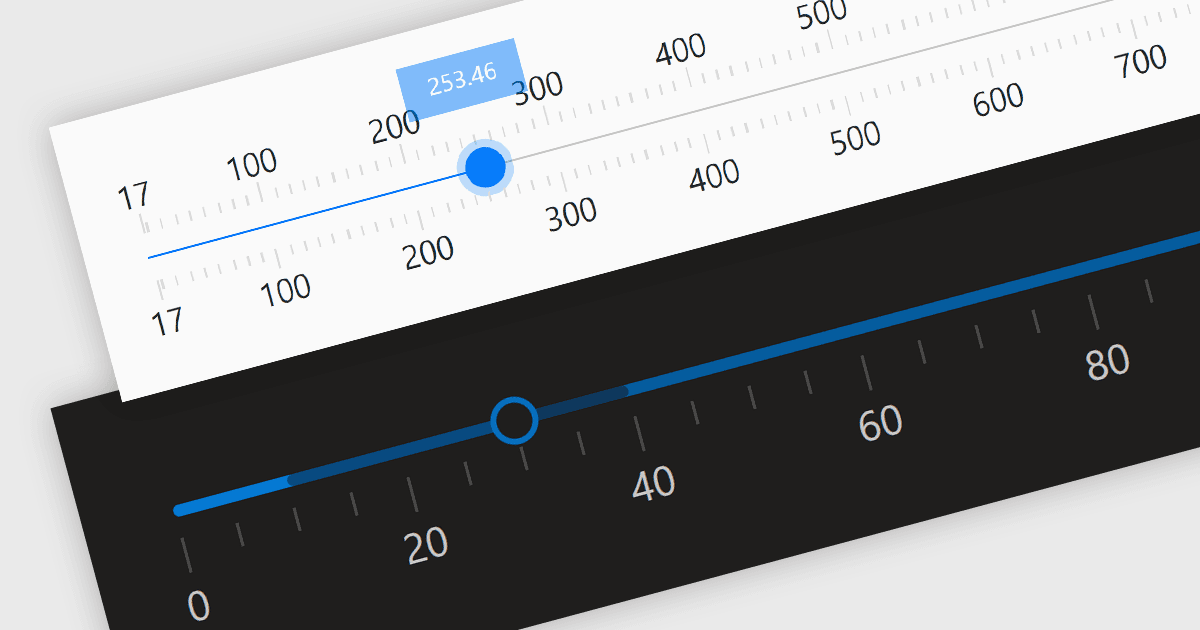
Los controles de barra de desplazamiento (trackbars), también conocidos como deslizadores, son elementos de la interfaz de usuario (UI) que permiten a los usuarios ajustar un valor numérico dentro de un rango definido moviendo un deslizador a lo largo de una barra. Estos controles son muy valiosos para configuraciones que requieren una representación visual del ajuste, como el volumen, el brillo u otros parámetros específicos de la aplicación. Las barras de desplazamiento mejoran la experiencia del usuario al proporcionar un método simple y eficaz para introducir valores, lo que puede resultar especialmente útil para ajustar con precisión la configuración sin necesidad de introducir números directamente. Su diseño intuitivo fomenta la facilidad de uso y la interacción rápida, lo que las convierte en una excelente opción para interfaces gráficas de usuario donde el espacio es limitado y se necesita precisión.
Varios componentes de React ofrecen editores de datos de barra de desplazamiento, entre ellos:
- DevExtreme React Data Editors (parte de DevExtreme Complete by DevExpress) te permite dotar a tus aplicaciones de deslizadores repletos de funciones para una entrada intuitiva, facilitando la introducción de datos.
- KendoReact Data Editors (parte de KendoReact by Telerik) eleva la experiencia del usuario con un control de deslizador personalizable, brindando a los usuarios una forma adaptada de interactuar con tus datos.
- Smart HTML Elements Data Editors (parte de Smart HTML Elements) te permite añadir de forma sencilla deslizadores accesibles en orientaciones horizontal o vertical en tu aplicación.
- Syncfusion Essential Studio for JavaScript Data Editors (parte de Syncfusion Essential Studio Enterprise) ofrece un control de deslizador flexible que permite a los usuarios seleccionar fácilmente una cantidad.
Para un análisis en profundidad de las funciones y el precio, visita nuestra comparación de React Data Editors.