Mejore la legibilidad de las hojas de cálculo de Angular
Al elegir un control de hoja de cálculo con soporte para formato de celdas, los datos se leen con mayor facilidad, se promueve la consistencia y se mejora la experiencia del usuario.
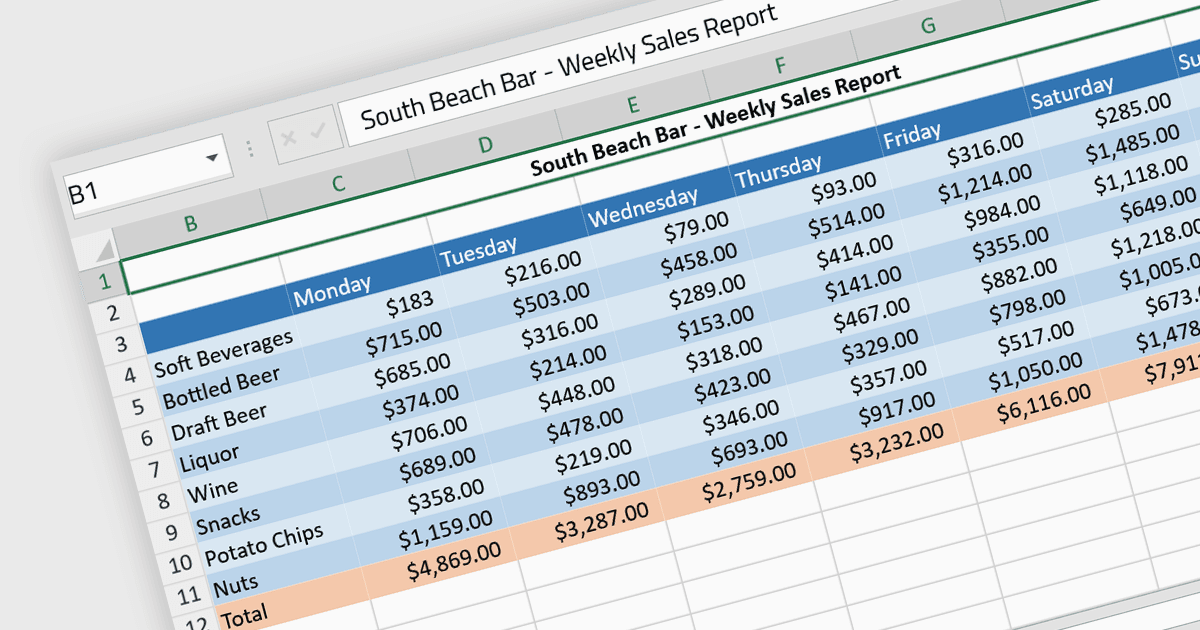
El formato de celdas le permite personalizar la apariencia y el comportamiento de celdas individuales dentro de una hoja de cálculo o una tabla de datos para mejorar la legibilidad, la comprensión y la precisión de la presentación de los datos. Esto puede incluir ajustes en el estilo, el tamaño y el color de la fuente, así como la incorporación de bordes, sombreado, formato numérico o de fecha, alineación de celdas y, en general, todo lo necesario para que la información sea más clara. Al emplear el formato de celdas, los usuarios pueden mejorar significativamente la legibilidad y la organización de sus hojas de cálculo, lo que permite comprender los datos más rápido y comunicar la información con mayor claridad. También ayuda a distinguir diferentes tipos de datos, resaltar cifras importantes y mantener la consistencia en documentos relacionados, reduciendo así la probabilidad de errores y malas interpretaciones.
Varios componentes de Angular para hojas de cálculo admiten el formato de celdas, incluidos:
- SpreadJS de MESCIUS facilita un formato de celdas extenso para cualquier propiedad de celda, lo que permite a los desarrolladores de Angular crear soluciones de hoja de cálculo personalizadas.
- Telerik Excel Export (parte de Kendo UI) funciona con Angular y permite un exportado de datos sin interrupciones a Microsoft Excel, con compatibilidad con formatos de celdas complejos, alineación y más.
- Jspreadsheet Pro ofrece controles similares a los de una hoja de cálculo adaptados para Angular con herramientas para personalizar la apariencia de las celdas, incluidos tipos de letra, colores y formatos de números.
- Infragistics Spreadsheet Angular (parte de Infragistics Ignite UI) ofrece una interfaz similar a Excel, proporcionando capacidades de formato de celdas para una presentación dinámica y coherente de los datos.
Para un análisis en profundidad de funciones y precio, visite nuestra comparación de controles de hojas de cálculo de Angular.