Identifique las diferencias entre archivos MSI
Las herramientas de instalación con capacidades de comparación de MSI reducen los riesgos de implementación al permitir comprobaciones previas a la implementación para posibles conflictos.
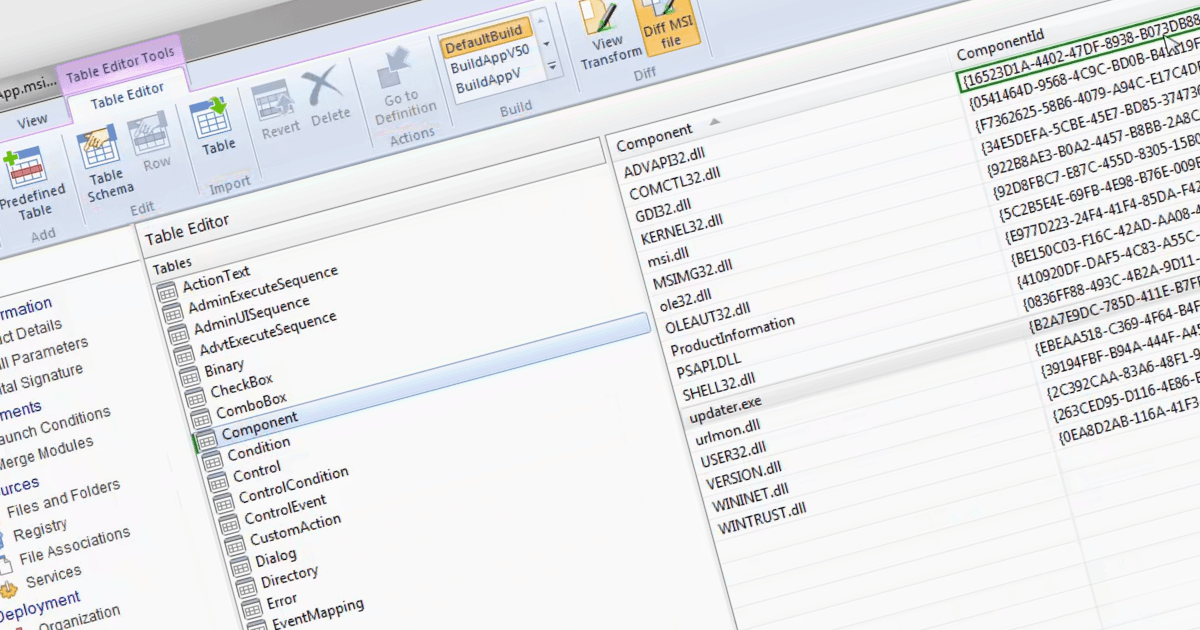
La capacidad de comparar archivos MSI mediante una herramienta de instalación le permite identificar y analizar las diferencias entre dos archivos Microsoft Installer (MSI), que son paquetes utilizados para la instalación de software en Windows. Esta funcionalidad es especialmente valiosa para administradores de sistemas o desarrolladores que necesitan gestionar múltiples versiones y comprender los cambios específicos entre distintas versiones de un instalador de software. Al comparar los archivos MSI, pueden identificar modificaciones realizadas en archivos, entradas del registro y otras configuraciones de instalación. Hacerlo garantiza una transición fluida durante las actualizaciones, ayuda a la resolución de problemas potenciales y mantiene una documentación precisa de los cambios del software, lo que, en última instancia, mejora la eficiencia y la fiabilidad de los procesos de implementación del software.
Varias herramientas de instalación le permiten comparar archivos MSI, incluyendo:
- Advanced Installer Architect de Caphyon permite comparaciones precisas de archivos MSI, resaltando los cambios en las instalaciones para agilizar el desarrollo y la implementación de software.
- RayPack Studio de Raynet le permite comparar archivos MSI para identificar cambios de configuración y tomar decisiones de implementación informadas, así como actualizar el software de forma eficiente.
- AdminStudio Enterprise de Flexera facilita la comparación de archivos MSI, ayudando a detectar modificaciones para una gestión fiable del software y el cumplimiento.
- InstallShield Premier de Revenera ofrece una funcionalidad completa de MSI diff, facilitando la comprensión clara de las modificaciones del instalador para una implementación sin complicaciones.
Para un análisis en profundidad de las funciones y el precio, visite nuestra comparación de herramientas de instalación.