Congela columnas para mejorar la legibilidad de las cuadrículas de datos
Impulsa a los usuarios con cuadrículas WinForms que bloquean los datos importantes en la vista, lo que simplifica el análisis de datos complejo y facilita la navegación.
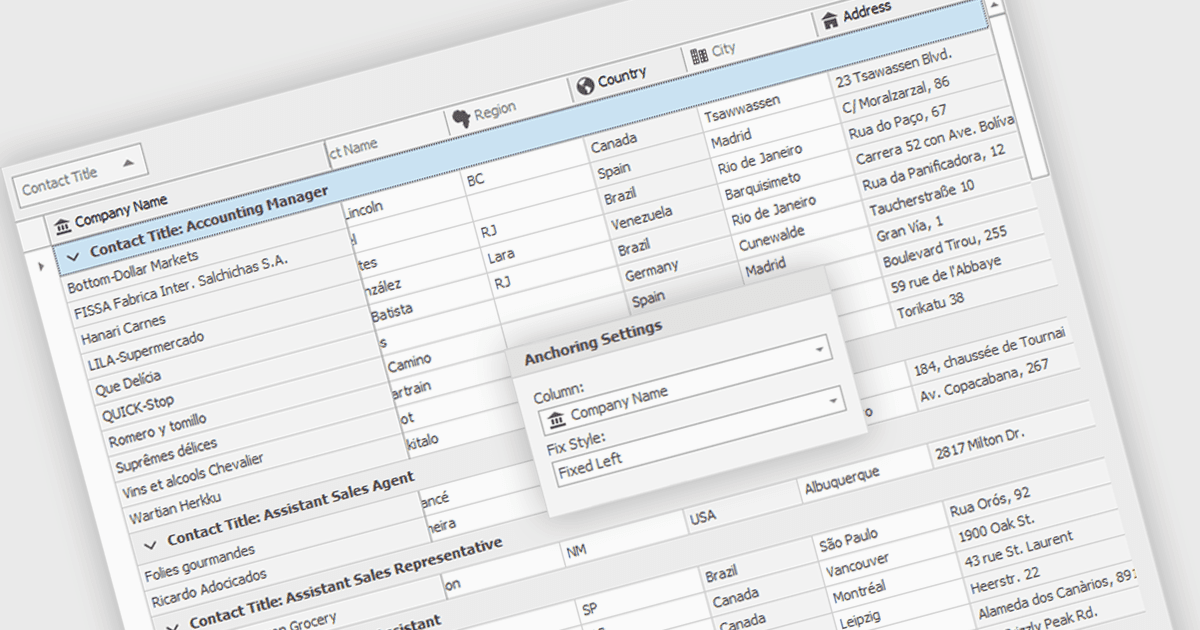
Al congelar columnas, se pueden mantener visibles en pantalla columnas específicas de la cuadrícula mientras el usuario se desplaza horizontalmente por el resto de los datos. Esta funcionalidad resulta especialmente útil para desarrolladores de software, ya que mejora la experiencia del usuario al garantizar que la información de referencia importante, como los identificadores de filas o los encabezados de columnas, permanezca constantemente a la vista, independientemente del ancho del conjunto de datos. Esto puede ayudar significativamente a comprender y navegar los datos para los usuarios que trabajan con conjuntos de datos grandes.
Varios componentes de cuadrícula de WinForms te permiten congelar columnas, incluido:
- DevExpress WinForms Data Grid (parte de DevExpress WinForms) proporciona a los desarrolladores una congelación de columnas sólida para mantener un contexto de datos claro durante el desplazamiento horizontal.
- FlexGrid para WinForms (parte de ComponentOne Studio WinForms de MESCIUS) ofrece bloqueo de columnas para mantener a la vista los datos esenciales al navegar conjuntos de datos extensos.
- Telerik UI for WinForms GridView (parte de Telerik UI for WinForms) incluye la funcionalidad de congelación de columnas, lo que mejora la comprensión de los datos al desplazarse horizontalmente.
- Infragistics WinDataGrid (parte de Infragistics Ultimate UI para Windows Forms) mejora la UX con el anclaje de columnas, garantizando que las columnas de referencia permanezcan visibles en todo momento.
Para un análisis en profundidad de las funciones y el precio, visita nuestra comparación de componentes de cuadrícula de WinForms.