













Proveedor oficial
Como distribuidores oficiales y autorizados, le suministramos licencias legítimas directamente de más de 200 editores de software.
Ver todas nuestras marcas.
Continuar leyendo en inglés:
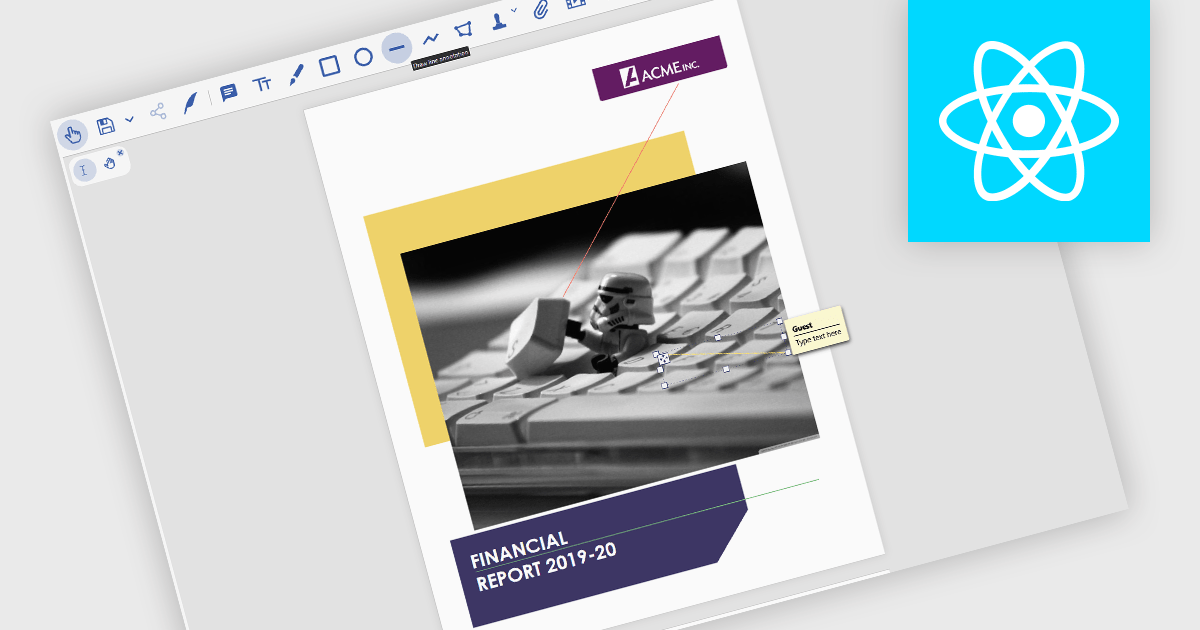
Line annotations are digital markings that allow users to draw straight lines on documents. These lines can be used for various purposes, such as connecting related information, highlighting specific sections, or adding visual cues for reference. They are particularly useful for tasks that require comparison, measurement, or the creation of diagrams or flowcharts directly within the PDF.
Several React PDF viewer controls offer support for line annotations including:
For an in-depth analysis of features and price, visit our React PDF viewer controls comparison.
Tel: (888) 850 9911
Fax: +1 770 250 6199


