Navegue PDFs complejos con un índice de contenido
Los visores de PDF para .NET con soporte de Índice de contenido proporcionan una navegación fluida por los documentos, impulsando la productividad y agilizando los flujos de trabajo.
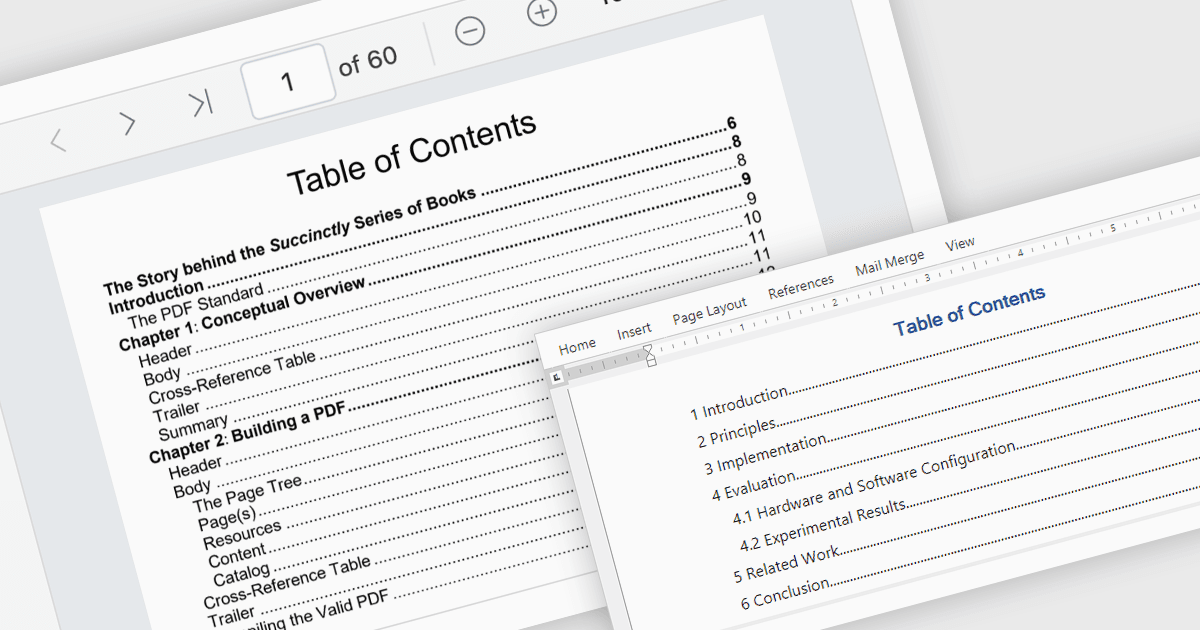
El índice de contenido es una potente herramienta de navegación que proporciona a los usuarios una visión estructurada de la jerarquía de un documento, lo que les permite ir directamente a secciones específicas con un solo clic. Esta función mejora significativamente la experiencia del usuario, ahorrando tiempo al trabajar con documentos largos o complejos. Para los desarrolladores, integrar un índice de contenido en las aplicaciones garantiza una mejor usabilidad y accesibilidad, convirtiéndolo en una característica clave en soluciones profesionales de gestión de documentos. Los casos de uso más habituales incluyen navegar por eBooks extensos, manuales técnicos, documentos legales, informes financieros o cualquier archivo con una estructura bien definida. Al simplificar la exploración de documentos, el índice de contenido impulsa la productividad y garantiza una interacción fluida con contenido a gran escala.
Varios componentes .NET para visor de PDF ofrecen compatibilidad con la navegación mediante Índice de contenido, incluyendo:
- DevExpress WinForms PDF Viewer (parte de DevExpress WinForms) le permite navegar PDFs extensos sin esfuerzo con su Índice de contenido interactivo para facilitar la búsqueda de contenido.
- Document Solutions for PDF de MESCIUS permite acceder rápidamente a secciones de documentos mediante un Índice de contenido intuitivo para mejorar la eficiencia de visualización.
- Syncfusion .NET MAUI PDF (parte de Syncfusion Essential Studio Enterprise) facilita la navegación por PDF gracias a su Índice de contenido dinámico, ideal para documentos con múltiples secciones.
- XFINIUM.PDF CROSS PLATFORM EDITION permite una navegación precisa con su robusta función de Índice de contenido, diseñada para la interacción y usabilidad de documentos en múltiples plataformas.
Para un análisis en profundidad de las funciones y el precio, visite nuestra comparación de visores de PDF para .NET.