Establecer columnas como obligatorias en aplicaciones de cuadrícula de datos
Use los controles de cuadrícula en JavaScript para definir columnas obligatorias, asegurando que los campos esenciales se completen para mantener una entrada completa y válida.
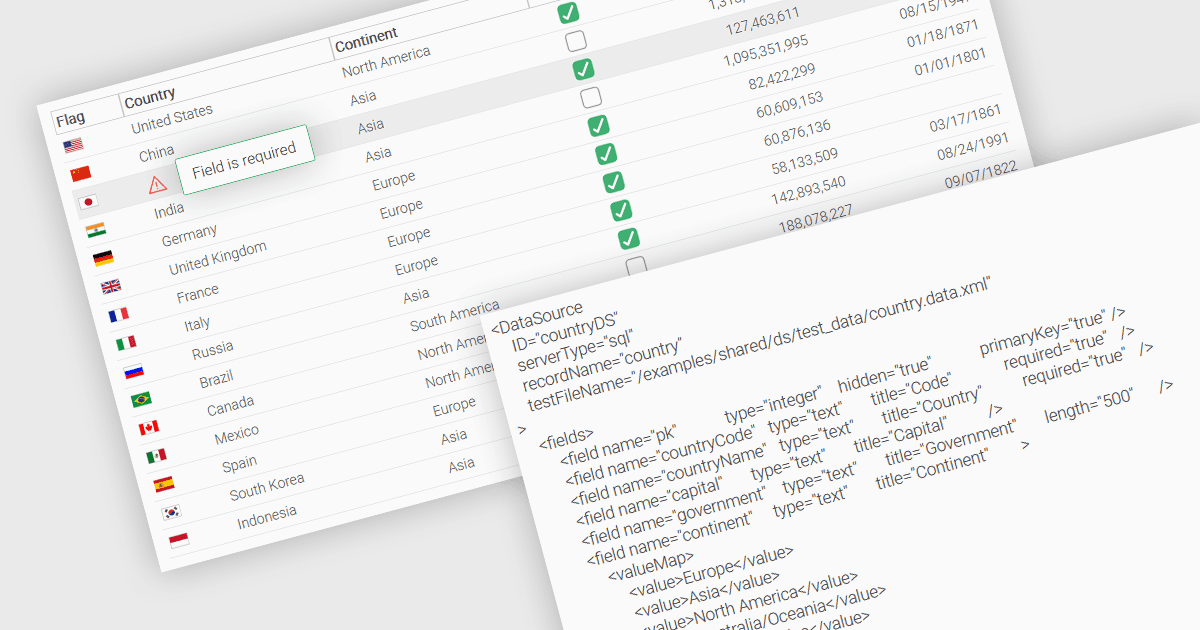
Una característica fundamental en una cuadrícula de datos es la capacidad de especificar que una columna debe rellenarse con valores y no se puede dejar vacía. Al designar ciertas columnas como obligatorias, los desarrolladores pueden aplicar reglas de entrada que evitan que los usuarios dejen en blanco campos críticos, como identificadores de usuario, nombres de productos o marcas de tiempo. Las columnas requeridas normalmente se aplican mediante reglas de validación que impiden el envío o el procesamiento de registros incompletos, garantizando así la integridad y la validez de las entradas de datos. Esto mejora la integridad de los datos, reduce la probabilidad de errores de procesamiento y permite una lógica empresarial coherente en aplicaciones que dependen de conjuntos de datos estructurados.
Varios controles de cuadrícula de JavaScript le permiten configurar columnas como obligatorias, incluyendo:
- Wijmo FlexGrid (parte de Wijmo de MESCIUS) es una cuadrícula de datos de JavaScript que permite marcar columnas como obligatorias, incluida una lógica de validación integrada para garantizar el cumplimiento.
- Jspreadsheet Pro Data Grid (parte de Jspreadsheet Pro) admite el uso de reglas de validación para garantizar que las entradas cumplan criterios predefinidos, lo que le permite definir campos obligatorios.
- SmartClient Grid (parte de SmartClient de Isomorphic Software) equipa las aplicaciones de JavaScript con la configuración de columnas obligatorias necesaria para evitar el envío de registros incompletos.
- Ignite UI Angular Grid (parte de Infragistics Ignite UI) ofrece a los desarrolladores un validador listo para usar para aplicar el rellenado de las columnas obligatorias durante la entrada de datos.
Para un análisis en profundidad de funciones y precio, visite nuestra comparación de controles de cuadrícula de JavaScript.