Navega los PDF con precisión y facilidad
Las herramientas de navegación integradas permiten a los usuarios moverse por los documentos PDF sin esfuerzo, haciendo que incluso los archivos complejos sean más fáciles de acceder y comprender.
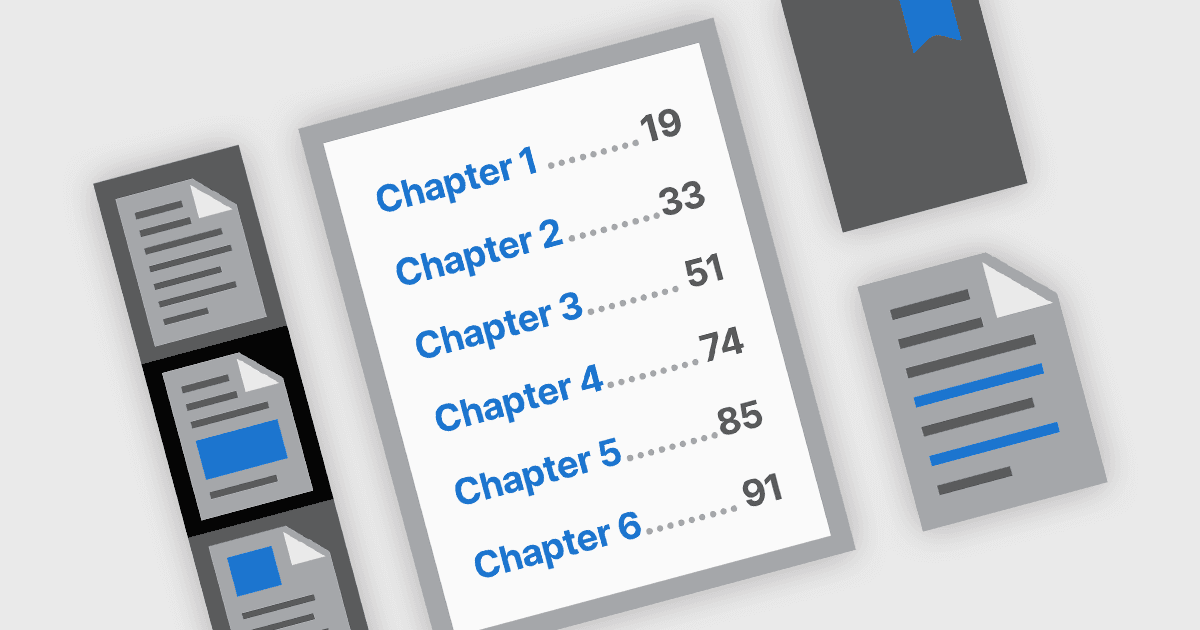
Las funciones de navegación de PDF desempeñan un papel crucial a la hora de mejorar la usabilidad y la accesibilidad de los documentos digitales. En los componentes modernos de PDF, las herramientas de navegación se diseñan para ofrecer un acceso intuitivo al contenido del documento, ayudando a los usuarios a localizar rápidamente secciones, páginas o temas específicos. Estas herramientas son especialmente importantes en PDF largos o complejos, como manuales, informes y eBooks, donde una navegación eficiente puede mejorar significativamente la experiencia de lectura y reducir el tiempo dedicado a buscar información.
Las funciones más comunes incluyen:
- Navegación con marcadores permite a los usuarios ir a secciones predefinidas mediante una barra lateral de marcadores que a menudo refleja la estructura del documento.
- Navegación con hipervínculos admite tanto enlaces internos dentro del documento como enlaces web externos, facilitando el acceso directo a información o recursos relacionados.
- Navegación con tabla de contenido replica los documentos impresos tradicionales al listar capítulos o secciones con enlaces interactivos, ayudando a los usuarios a comprender la estructura del documento de un vistazo y a ir directamente a las áreas de interés.
- Navegación con miniaturas ofrece vistas previas visuales de las páginas, lo que permite a los usuarios desplazarse y seleccionar páginas con mayor facilidad, especialmente en contenido rico en gráficos o específico de páginas.
Para un análisis en profundidad de las funciones y el precio, visite nuestra comparación de componentes .NET para PDF.