Personalice al instante con herramientas de color integradas
Los selectores de color permiten a los usuarios aplicar rápidamente color a celdas o gráficos, lo que hace que las tendencias, los valores atípicos y las prioridades sean más fáciles de ver de un vistazo.
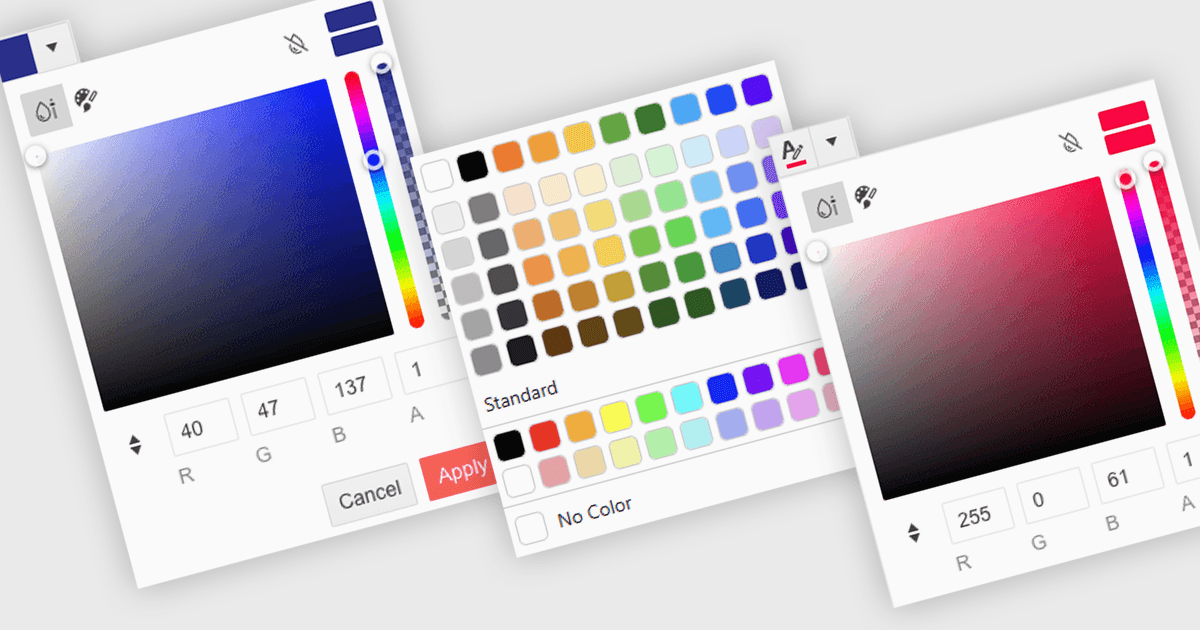
Un selector de color es un elemento de interfaz de usuario que permite a los usuarios elegir y aplicar colores a partes específicas de sus datos sin escribir ningún código. Por lo general, aparece como una paleta pequeña o un cuadro de entrada que, al hacer clic, abre un panel con opciones de color como muestras (swatches), deslizadores o campos de código hexadecimal (hex). Esta función admite una personalización visual intuitiva, lo que permite a los usuarios resaltar patrones, marcar valores importantes o alinearse con esquemas de color corporativos. En editores avanzados, los selectores de color también admiten temas o configuraciones de accesibilidad, como paletas de alto contraste.
Varios editores de datos .NET Blazor pueden ofrecerle un selector de color, incluyendo:
- Blazorise Data Editors le permiten aplicar colores personalizados sin esfuerzo mediante un selector intuitivo, mejorando la presentación de los datos y la interacción del usuario.
- jQWidgets Blazor (parte de jQWidgets) Data Editors le permite organizar el contenido de forma visual con un selector de color integrado para un estilo de datos claro y dinámico.
- Syncfusion Essential Studio for Blazor Data Editors (parte de Syncfusion Essential Studio Enterprise) proporciona integración de selector de color, lo que permite el formato visual.
- Telerik UI for Blazor Data Editors (parte de Telerik UI for Blazor) facilita el resaltado preciso de datos mediante un selector de color responsivo, que admite la alineación con la marca y la claridad.
Para un análisis en profundidad de las funciones y el precio, visite nuestra comparación de editores de datos .NET Blazor.