Reorganiza páginas directamente en los visores de PDF
Cambia rápidamente el orden de las páginas dentro de los PDF mediante las herramientas integradas de los visores de WPF, reduciendo al mínimo las interrupciones en tu flujo de trabajo documental.
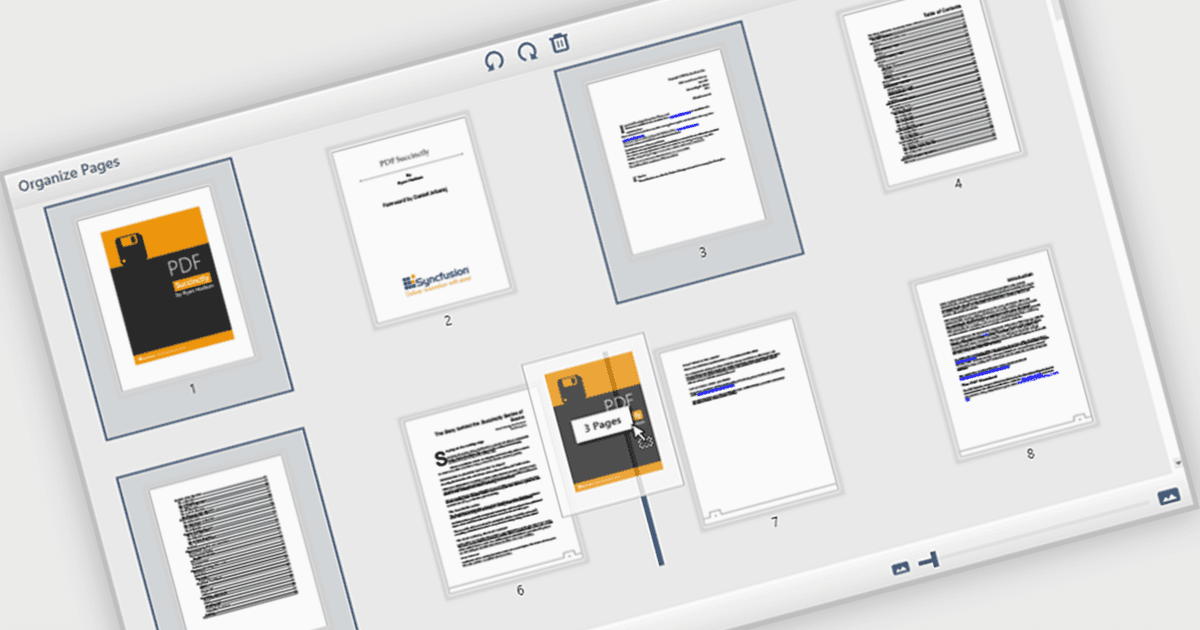
La capacidad de mover y organizar páginas en un visor de PDF permite a los usuarios reordenar páginas individuales dentro de un documento PDF directamente a través de la interfaz. Para los desarrolladores de software, esta función admite procesos documentales más dinámicos, especialmente en aplicaciones que implican ensamblaje de contenido, gestión de formularios o generación automática de informes. Reduce la necesidad de herramientas externas o de edición manual, lo que simplifica la integración y mejora la experiencia del usuario al gestionar documentos complejos o de varias páginas.
Varios componentes de visor de PDF para WPF (Windows Presentation Foundation) le permiten mover y organizar páginas en un PDF, incluyendo:
- Telerik UI PDF for WPF (parte de Telerik UI for WPF) le permite reordenar, insertar o eliminar páginas dentro de su control WPF PDF Viewer para informes documentales dinámicos.
- Syncfusion WPF PDF (parte de Syncfusion Essential Studio Enterprise) permite reordenamientos interactivos de páginas dentro del PDF Viewer, optimizando los procesos de documentos de varias páginas.
- XFINIUM.PDF CROSS PLATFORM EDITION ofrece funciones completas de gestión de páginas, incluida la reubicación, la extracción y el control total sobre páginas de PDF.
Para un análisis en profundidad de funciones y precio, visite nuestra comparación de visores de PDF para WPF.