Mejora la legibilidad de los datos de la hoja de cálculo
Usar las funciones de formato y presentación te permite mostrar información de forma sencilla, ayudando a los usuarios a navegar por hojas de cálculo complejas con menos esfuerzo.
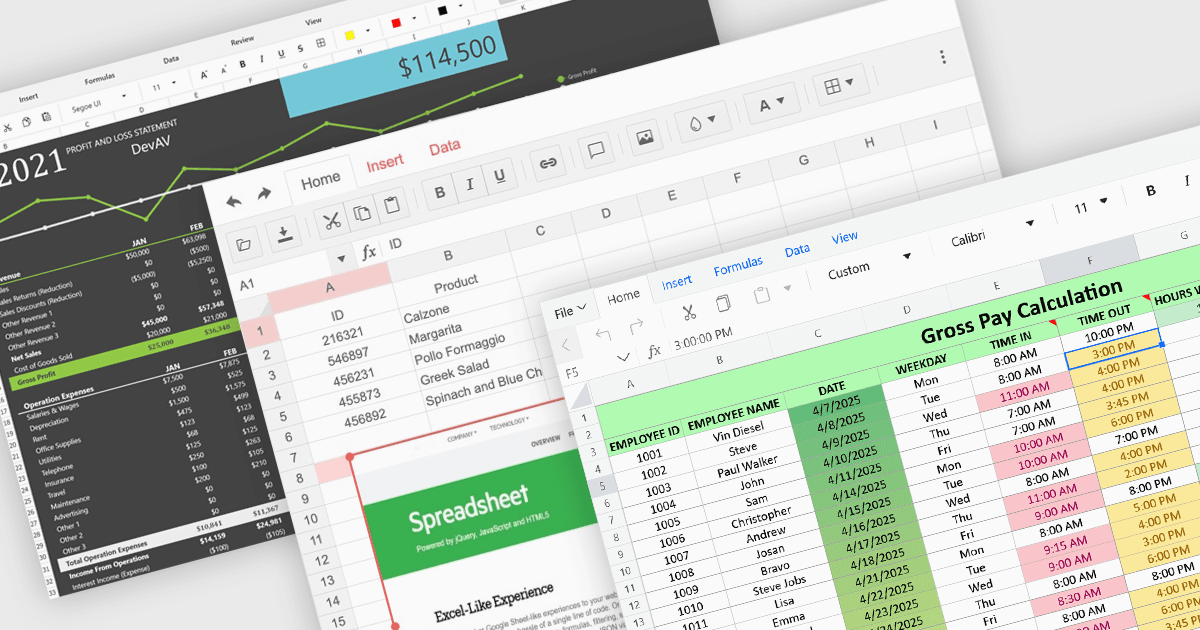
Las funciones de formato y presentación determinan cómo se comunica la información dentro de una hoja de cálculo, transformando valores sin procesar en contenido más claro, más legible y visualmente coherente. Estas capacidades ayudan a los usuarios a resaltar los datos clave, establecer un estilo visual uniforme y crear hojas de cálculo que se interpretan con mayor facilidad de un vistazo. Al admitir tanto ajustes sutiles como mejoras más expresivas, desempeñan un papel central para que las hojas de cálculo sean adecuadas para tareas de presentación, análisis e informes en una amplia variedad de escenarios.
Las funciones más comunes incluyen:
- Códigos de barras convierten los valores de las celdas en símbolos legibles por máquinas que pueden usarse para el seguimiento, el inventario o la integración con sistemas externos.
- Formato de celdas controla la apariencia del contenido mediante ajustes en las fuentes, los colores, los bordes, la alineación y los formatos de número.
- Gráficos presentan los datos de forma visual mediante una variedad de formatos gráficos, lo que facilita entender patrones y comparaciones.
- Formato condicional aplica señales visuales de manera dinámica, ayudando a los usuarios a identificar tendencias, excepciones o resultados basados en umbrales sin intervención manual.
- Insertar imágenes permite a los usuarios colocar gráficos directamente en las hojas de cálculo, lo que favorece presentaciones más completas y agrega detalles contextuales cuando se necesitan.
- Temas proporcionan una base para un estilo coherente aplicando colores, fuentes y efectos coordinados en toda la hoja de cálculo.
Para un análisis en profundidad de las funciones y el precio, visita nuestra comparación de componentes de hojas de cálculo de ASP.NET Core.