Insertar columnas sin romper las fórmulas
Añade fácilmente nuevas columnas en cualquier parte de una hoja de cálculo, actualizando automáticamente las referencias de celda y preservando los cálculos existentes.
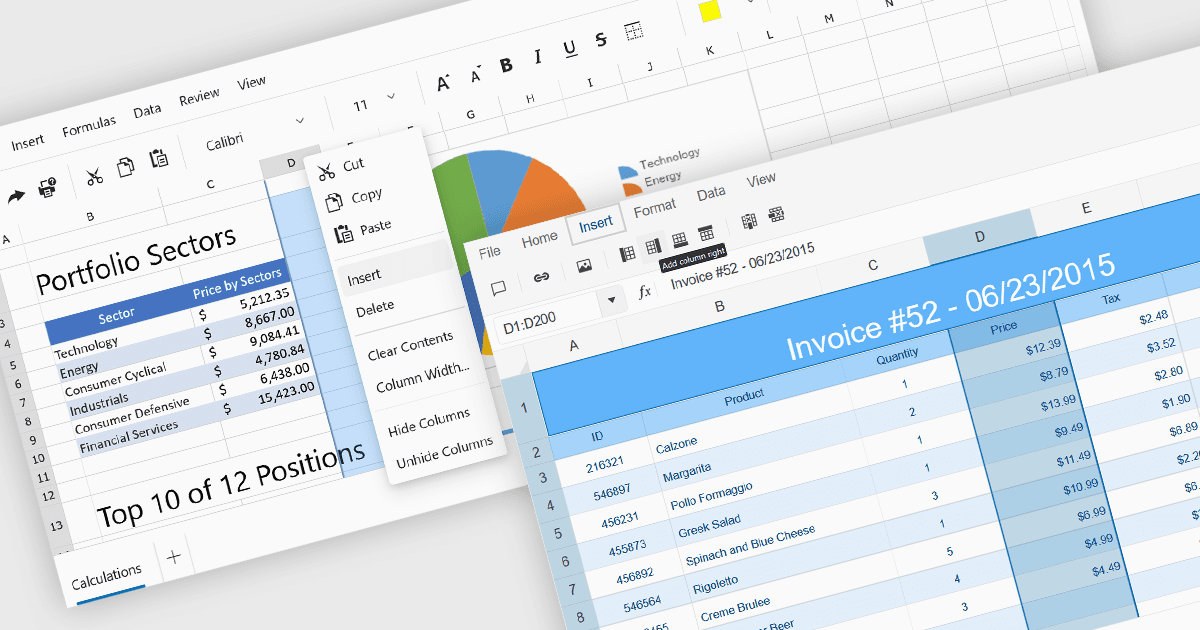
Insertar columnas en una hoja de cálculo permite a los usuarios ampliar las hojas dinámicamente, conservando los datos y las fórmulas existentes. Esta capacidad es esencial para escenarios en los que los conjuntos de datos evolucionan con el tiempo, como al añadir nuevos campos, categorías o valores calculados. Una función de inserción de columnas bien implementada garantiza que las referencias de celda, el formato y las fórmulas se ajusten automáticamente, ayudando a mantener la integridad de los datos y reduciendo el riesgo de errores durante las actualizaciones.
Varios controles de hojas de cálculo para ASP.NET Core ofrecen la posibilidad de insertar columnas, incluyendo:
- DevExpress ASP.NET Core Spreadsheet (parte de DevExpress ASP.NET y Blazor) permite a los usuarios insertar una o varias columnas en cualquier posición de una hoja de cálculo, actualizando automáticamente las fórmulas.
- Telerik UI for ASP.NET Core Spreadsheet (parte de Telerik UI for ASP.NET Core) permite insertar columnas mediante la interfaz de usuario y las API, garantizando que se conserven las referencias de celda.
- Syncfusion ASP.NET Core Spreadsheet (parte de Syncfusion Essential Studio Enterprise) ofrece opciones para insertar columnas con soporte total para el recálculo de fórmulas.
Para un análisis en profundidad de las funciones y el precio, visita nuestra comparación de controles de hojas de cálculo para ASP.NET Core.