Ejecuta aplicaciones de forma coherente con Docker
La implementación de Docker en los IDE permite a los desarrolladores compilar, ejecutar y depurar aplicaciones en contenedores directamente desde el espacio de trabajo de desarrollo.
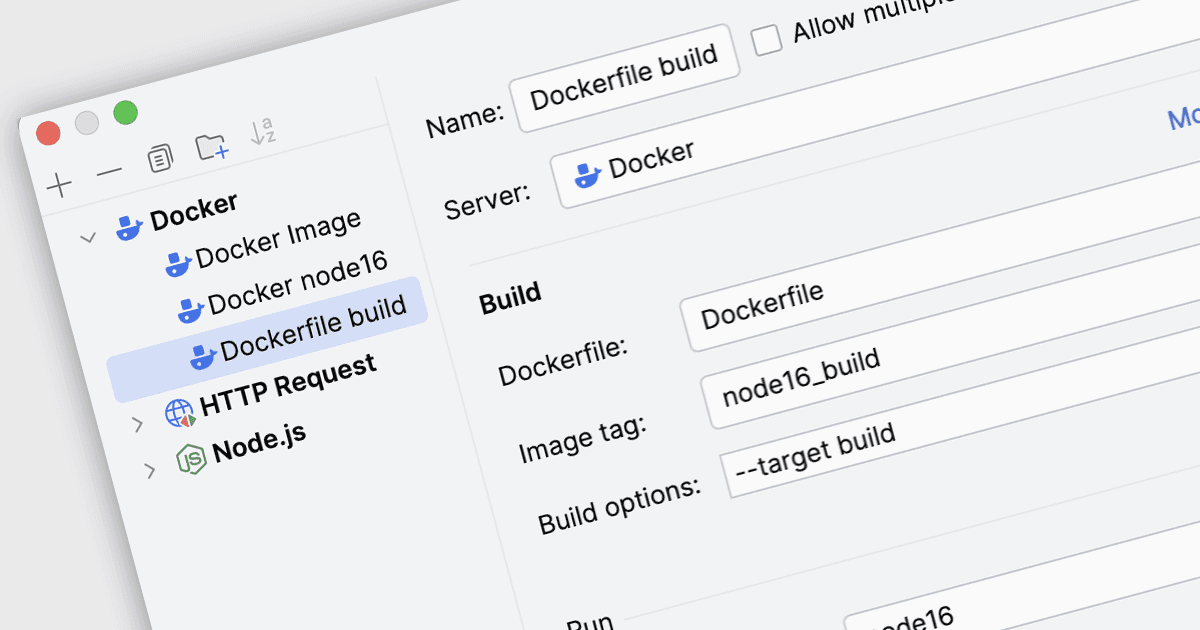
La implementación de Docker en los Entornos de Desarrollo Integrados (IDE) se refiere a la capacidad de compilar, configurar y ejecutar aplicaciones dentro de contenedores Docker directamente desde el espacio de trabajo de desarrollo. Mediante la integración de Docker incorporada, los desarrolladores pueden empaquetar una aplicación junto con sus bibliotecas necesarias, el entorno de ejecución y las dependencias del sistema operativo en una imagen de contenedor, y luego implementar y ejecutar ese contenedor en hosts Docker locales o remotos. Este enfoque permite a los desarrolladores probar y ejecutar aplicaciones en entornos coherentes y reproducibles que reflejan los sistemas de producción, reduciendo las diferencias de configuración entre las etapas de desarrollo, pruebas e implementación, al tiempo que simplifica tareas de gestión de contenedores como la compilación de imágenes, la ejecución de contenedores y la actualización de servicios.
Varios IDE ofrecen compatibilidad con la implementación de Docker, entre ellos:
- Rider de JetBrains te permite compilar, ejecutar y depurar aplicaciones en contenedores Docker directamente desde el IDE con herramientas integradas.
- RemObjects Elements de RemObjects Software te permite aprovechar las herramientas Docker del IDE anfitrión para contenerizar, compilar y ejecutar aplicaciones compiladas dentro de entornos coherentes.
- Microsoft Visual Studio Professional te permite compilar imágenes, implementar, ejecutar y depurar aplicaciones en contenedores Docker desde herramientas integradas para contenedores.
Para un análisis en profundidad de las funciones y el precio, visita nuestra comparación de los Entornos de Desarrollo Integrados (IDE).