Optimiza el acceso a las funciones con diseños de ribbon
Diseña aplicaciones de Vue.js que utilicen un patrón de estilo ribbon para organizar comandos, entradas y controles para un acceso más rápido.
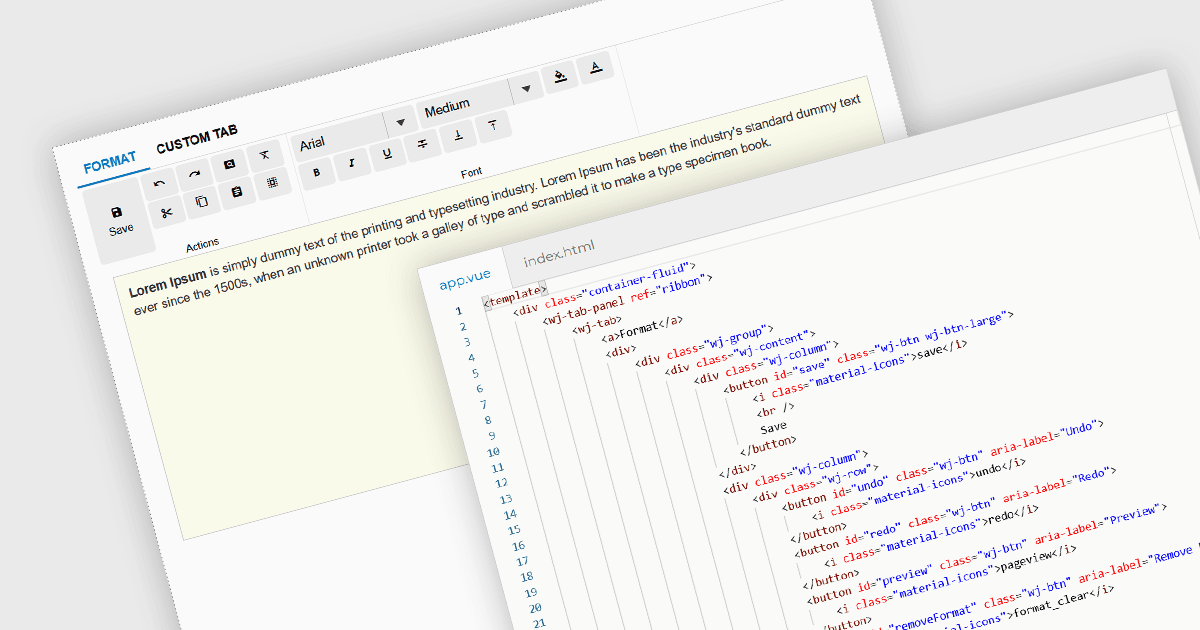
Las ribbon bars son patrones de interfaz gráfica de usuario (GUI) que organizan comandos y características en una serie de pestañas, cada una con controles agrupados como botones, menús desplegables y galerías. Ampliamente adoptadas en las aplicaciones de software modernas, las ribbons presentan la funcionalidad en un diseño estructurado y visualmente accesible para mejorar la capacidad de descubrimiento. Este enfoque reduce la dependencia de menús y barras de herramientas profundamente anidados, lo que permite a los usuarios localizar las herramientas relevantes más rápidamente según el contexto.
Varias suites de interfaz de usuario de Vue.js proporcionan funcionalidad de ribbon, entre ellas:
- Wijmo de MESCIUS permite interfaces de estilo ribbon mediante componentes como TabPanel para organizar comandos en pestañas con controles agrupados.
- jQWidgets proporciona una estructura similar a una ribbon, que ofrece navegación con pestañas y permite a los desarrolladores incrustar barras de herramientas, botones y diseños para crear áreas de comandos agrupados.
- SmartClient de Isomorphic Software admite interfaces de estilo ribbon, lo que permite a los desarrolladores construir navegación con pestañas y grupos de comandos organizados.
Para un análisis en profundidad de las características y el precio, visita nuestra comparación de suites de UI de Vue.js.