Exportar informes a CSV en Blazor
Genera archivos CSV a partir de datos de informes en aplicaciones de Blazor con funcionalidad de exportación a CSV, simplificando el intercambio de datos entre plataformas.
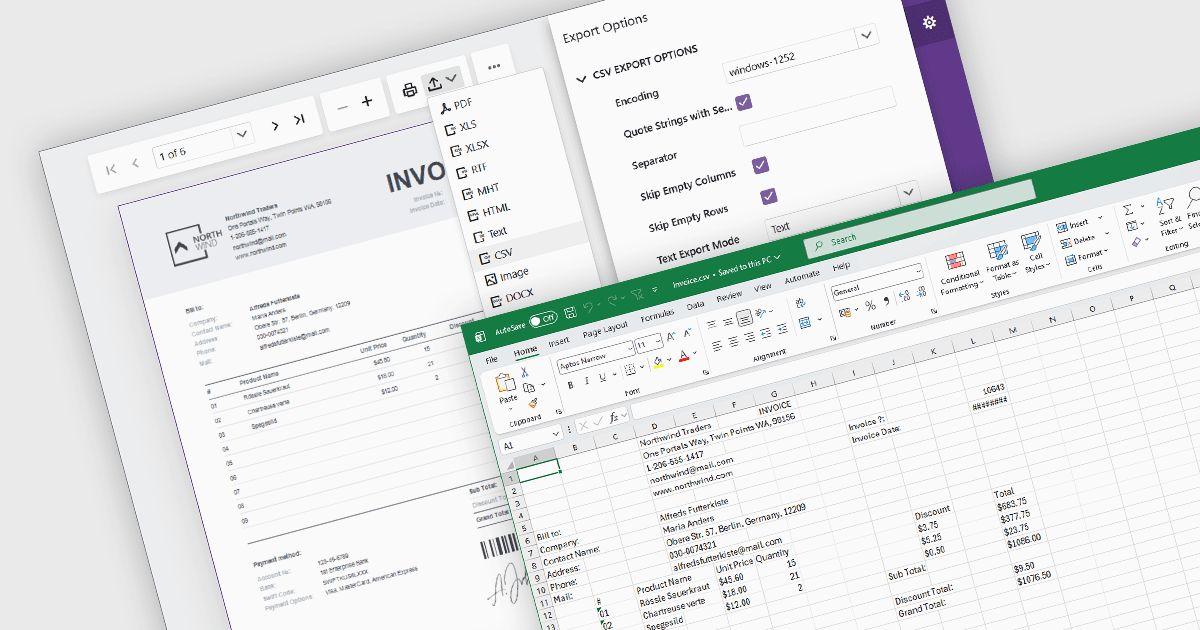
Exportar informes a formato CSV (Comma-Separated Values) proporciona una forma sencilla y ampliamente compatible de transferir datos de informes a aplicaciones de hojas de cálculo, bases de datos, plataformas de análisis y otros sistemas empresariales. Los archivos CSV almacenan datos estructurados como texto sin formato, lo que facilita su procesamiento, automatización, archivo e intercambio entre distintos entornos. Para los desarrolladores de software y los usuarios empresariales, la funcionalidad de exportación a CSV admite el análisis de datos, los informes operativos, los flujos de trabajo de integración y los requisitos de retención de datos, al tiempo que mantiene una baja complejidad de archivo y una amplia compatibilidad con plataformas.
Varios componentes de informes de Blazor permiten exportar a CSV, entre ellos:
- DevExpress Reporting proporciona funcionalidad de exportación a CSV compatible con Blazor, lo que permite a los usuarios generar archivos de datos estructurados con opciones de exportación configurables.
- ActiveReports .NET Professional (parte de ActiveReports .NET by MESCIUS) ofrece funciones de renderizado y exportación a CSV para informes en aplicaciones de Blazor.
- Telerik Reporting admite la exportación a CSV a través de sus visores de informes de Blazor y extensiones de renderizado, con configuraciones ajustables para el formato de salida y la estructura de los datos.
- Stimulsoft Reports.WEB admite la exportación a CSV en aplicaciones web y de informes de Blazor, lo que permite utilizar los datos de los informes en hojas de cálculo, integraciones y procesamiento posterior.
Para un análisis en profundidad de las características y el precio, visita nuestra comparación de componentes de informes de Blazor.