Mejora la interacción del usuario con controles de botón
Agrega editores de botones jQuery configurables a tu interfaz de usuario para proporcionar controles reutilizables para ejecutar comandos de la aplicación y lógica personalizada.
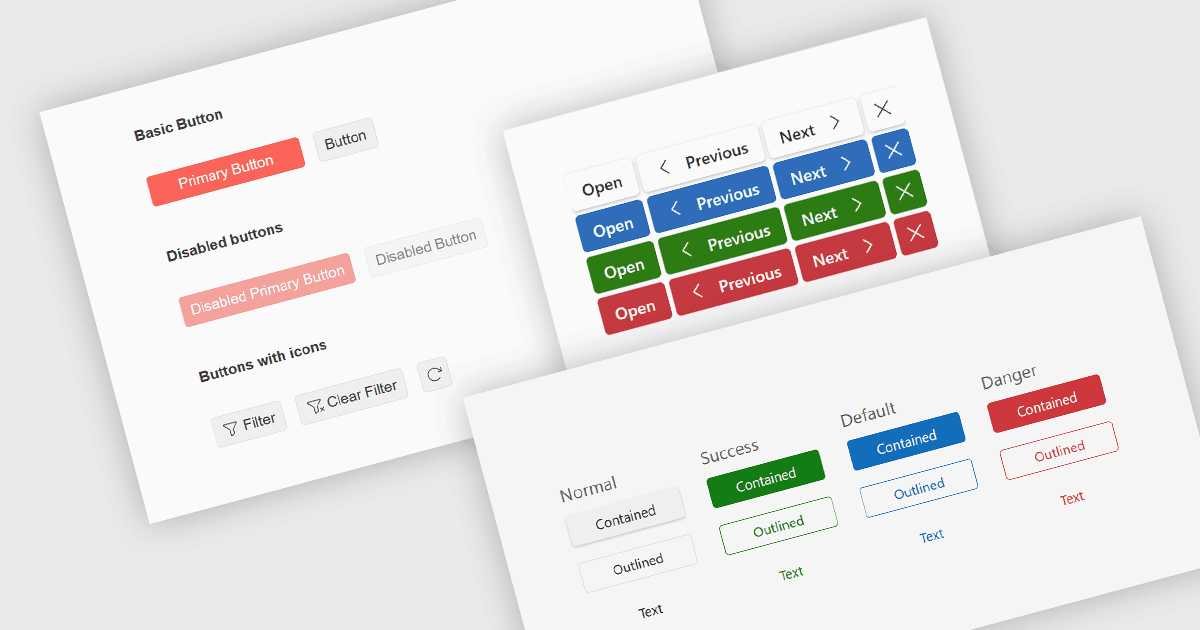
Los editores de botones son componentes de la interfaz de usuario (UI) que permiten a los usuarios iniciar acciones dentro de una aplicación, como enviar datos, abrir cuadros de diálogo, borrar entradas o ejecutar comandos personalizados. Los componentes modernos de botones suelen ofrecer opciones para personalizar la apariencia, iconos, tamaño, ubicación y comportamiento, ayudando a los desarrolladores a crear interfaces consistentes y accesibles, al tiempo que soportan flujos de trabajo específicos de la aplicación y mejoran la experiencia general del usuario.
Varias colecciones de editores de datos jQuery te ofrecen controles de editor de botones, incluyendo:
- DevExtreme jQuery Data Editors (parte de DevExtreme Complete de DevExpress) soportan botones integrados y personalizados dentro de los controles de editor, permitiendo a los desarrolladores añadir acciones o implementar comandos con iconos configurables, posicionamiento, estilo y manejo de eventos.
- Kendo UI jQuery Data Editors (parte de Kendo UI de Telerik) proporcionan componentes de botones configurables que soportan acciones integradas y personalizadas con apariencia configurable, iconos, tamaño, características de accesibilidad y manejo de eventos.
- jQWidgets ofrece componentes de botones configurables que pueden integrarse con sus widgets de entrada y editor para desencadenar acciones comunes o lógica personalizada de la aplicación, con opciones para personalizar estilo, dimensiones, iconos, temas y manejo de eventos.
Para un análisis detallado de características y precios, visita nuestra comparación de editores de datos jQuery.