Organizar datos de cuadrícula en grupos significativos
Agrupe registros relacionados en secciones lógicas, facilitando la navegación por los datos, la comparación de valores y la identificación de tendencias significativas.
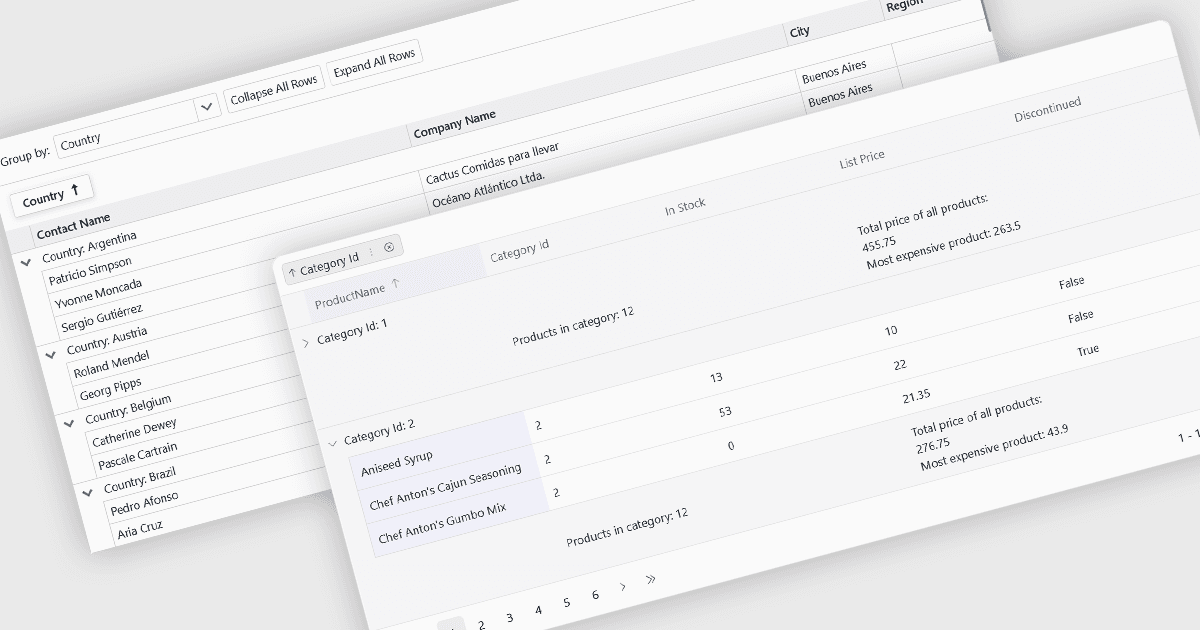
La agrupación permite a los usuarios organizar los datos por una o más columnas, facilitando la navegación y el análisis de grandes conjuntos de datos. Al recopilar registros relacionados en grupos expandibles, es más sencillo identificar patrones, comparar valores y centrarse en la información relevante sin filtrar o ordenar manualmente los datos.
Varios controles de cuadrícula Blazor ofrecen soporte para la agrupación, incluyendo:
- DevExpress Blazor Grid soporta la agrupación arrastrando encabezados de columna a un panel de grupos dedicado o mediante código, con filas de grupo expandibles, resúmenes y soporte para múltiples niveles de agrupación.
- Telerik UI Blazor Data Grid proporciona agrupación interactiva a través de un panel de grupos configurable, permitiendo a los usuarios agrupar por múltiples columnas mientras muestra valores agregados y estructuras de grupos jerárquicas.
- ComponentOne Blazor FlexGrid de MESCIUS incluye agrupación flexible a través de su capa de datos CollectionView, permitiendo a los desarrolladores definir vistas agrupadas programáticamente con grupos expandibles y agregados calculados.
- Syncfusion Blazor DataGrid ofrece agrupación por arrastrar y soltar con soporte para múltiples columnas agrupadas, carga diferida, resúmenes de títulos y amplias opciones de personalización para la experiencia de agrupación.
Para un análisis en profundidad de características y precios, visite nuestra comparación de controles de cuadrícula Blazor.