Migliora la chiarezza del codice con la sintassi colorata
Evidenzia gli elementi chiave del linguaggio per rendere il codice più facile da leggere, più rapido da revisionare e più semplice da debuggare in progetti di qualsiasi dimensione.
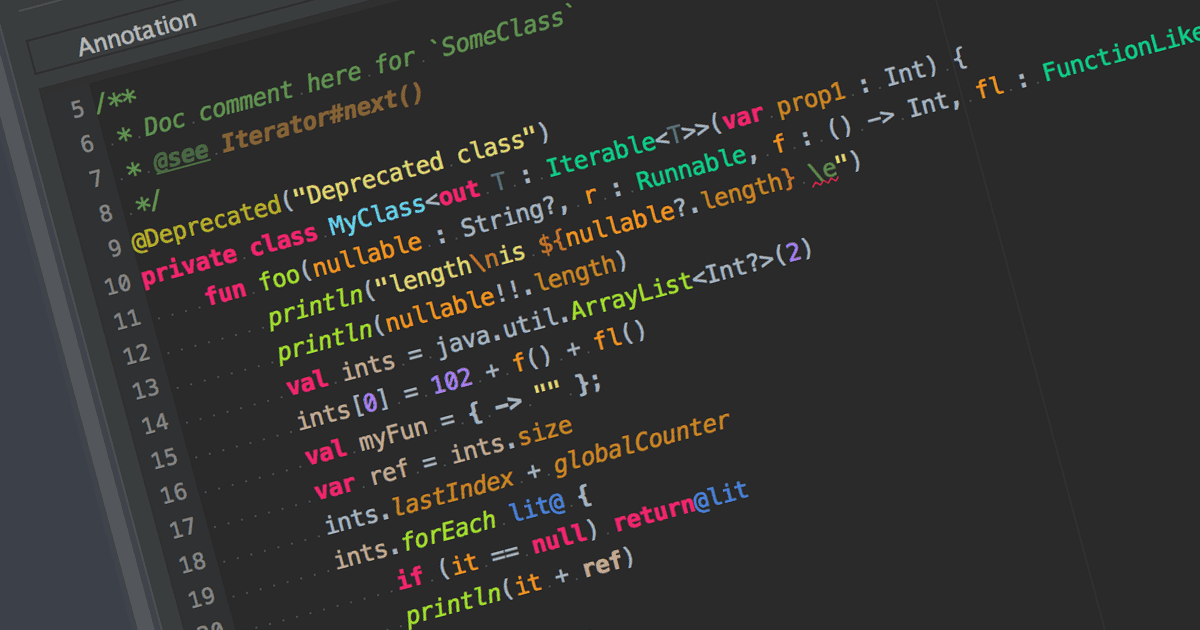
L’evidenziazione della sintassi è una funzione negli editor di testo e negli IDE che colora il codice in base alla sintassi del linguaggio di programmazione. Migliora la leggibilità del codice differenziando visivamente parole chiave, variabili e altri elementi. Questo riduce gli errori legati alla sintassi, aiutando gli sviluppatori a individuare rapidamente gli errori e a comprendere meglio struttura e logica del proprio codice.
Molti IDE offrono l’evidenziazione della sintassi, tra cui:
- IntelliJ IDEA di JetBrains fornisce un’evidenziazione della sintassi intelligente che si adatta al contesto del codice, unendo la differenziazione dei colori con un’analisi in tempo reale.
- UltraEdit Enterprise è un potente IDE che supporta l’evidenziazione della sintassi per vari linguaggi di programmazione come C++, Java e altro.
- B4i (iOS) di Anywhere Software è un IDE con supporto per l’evidenziazione della sintassi, progettato specificamente per lo sviluppo di app iOS.
- PrimalScript di SAPIEN Technologies è un IDE completo con supporto per più linguaggi di programmazione, tra cui PowerShell, VBScript e JavaScript.
Per un’analisi approfondita di funzionalità e prezzi, visita il nostro confronto tra IDE.