Crea interfacce utente più velocemente con un IDE abilitato al drag-and-drop
La funzionalità di trascinamento (drag-and-drop) semplifica la progettazione dell’interfaccia utente negli ambienti di sviluppo integrati offrendo un flusso di lavoro intuitivo.
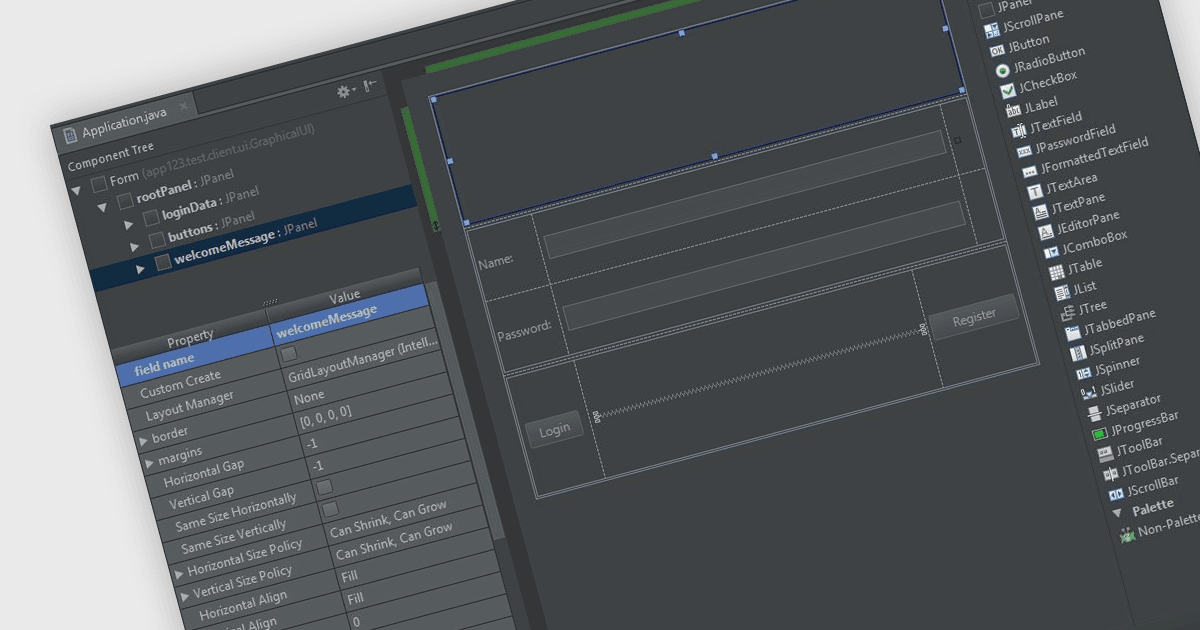
Negli ambienti di sviluppo integrati (IDE), l’interfaccia di trascinamento (drag-and-drop) fornisce un’interfaccia grafica user-friendly che semplifica la creazione, la modifica e la configurazione delle applicazioni. Questa funzione consente agli sviluppatori di posizionare in modo intuitivo oggetti come pulsanti, campi di testo, moduli di codice pre-scritti e immagini sulla superficie o canvas dell’applicazione, semplicemente trascinando gli elementi con il mouse. Questo metodo non solo accelera il processo di sviluppo, in particolare nella creazione di interfacce utente, ma riduce anche la probabilità di errori di codifica. Riducendo al minimo la necessità di inserire codice direttamente, offre un flusso di lavoro più snello e intuitivo che avvantaggia sia i programmatori alle prime armi sia quelli più esperti.
Diversi ambienti di sviluppo integrati offrono un’interfaccia drag and drop, tra cui:
- IntelliJ IDEA di JetBrains è un IDE intelligente per Java che offre la funzionalità drag and drop, semplificando attività complesse consentendoti di disporre visivamente gli elementi con il mouse.
- Delphi Enterprise di Embarcadero è un IDE avanzato con un menu di progettazione visiva che consente di trascinare e rilasciare componenti visivi e non visivi dalla palette.
- B4i (iOS) di Anywhere Software è uno strumento di sviluppo per applicazioni native iOS che consente agli sviluppatori di trascinare e rilasciare elementi in un designer WYSIWYG.
- RemObjects Elements è una moderna tool chain multiuso per lo sviluppo software che offre IDE per macOS e Windows con supporto drag-and-drop.
Per un’analisi approfondita di funzionalità e prezzo, visita il nostro confronto tra IDE.