Visualizza in modo efficace i dati proporzionali in Blazor
I grafici a torta consentono agli utenti di vedere le dimensioni relative delle diverse categorie in un set di dati, offrendo una visualizzazione chiara dell’insieme completo e delle sue parti costituenti.
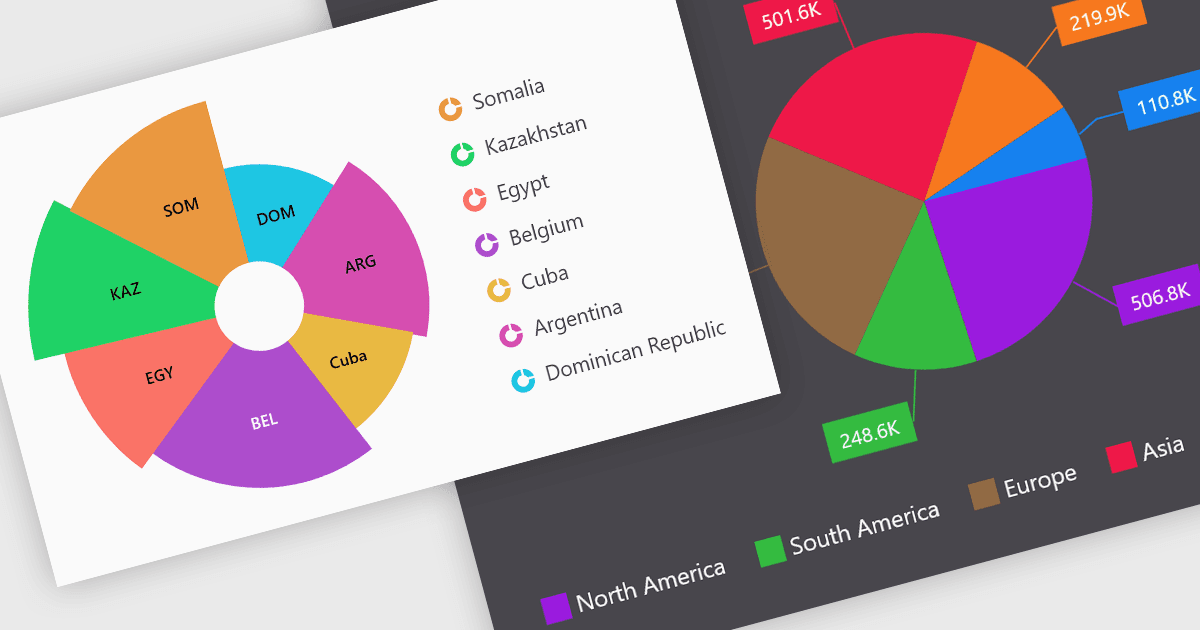
I grafici a torta sono uno strumento utile e di facile comprensione per visualizzare in modo immediato la scomposizione dei dati, soprattutto quando si rappresentano le percentuali di un insieme. La loro forza consiste nel mettere in evidenza le proporzioni relative tra un numero limitato di categorie all’interno di un dataset. Sebbene siano meno efficaci per confronti complessi o per l’andamento nel tempo, i grafici a torta possono essere una scelta efficace per comunicare composizione e predominanza all’interno di un dataset.
Diversi controlli Blazor Chart offrono grafici a torta, tra cui:
- DevExpress Blazor Chart (Parte di DevExpress ASP.NET e Blazor) ti consente di creare grafici a torta informativi con opzioni di personalizzazione per migliorare la chiarezza.
- ComponentOne Charts for Blazor (parte di ComponentOne Studio Blazor Edition di MESCIUS) offre grafici a torta visivamente d’impatto per comunicare in modo efficace le proporzioni dei dati.
- Telerik Blazor Chart (parte di Telerik UI for Blazor) facilita grafici a torta chiari e interattivi, permettendo agli utenti di comprendere le relazioni tra i dati.
- Syncfusion Blazor Chart (parte di Syncfusion Essential Studio Enterprise) ti consente di progettare grafici a torta accattivanti che mettono efficacemente in evidenza le scomposizioni dei dati.
- Infragistics Blazor Charts (parte di Infragistics Ignite UI) ti consente di creare grafici a torta user-friendly, rendendo i dati complessi facilmente comprensibili.
Per un’analisi approfondita di funzionalità e prezzo, visita il nostro confronto sui controlli Blazor Chart.