Riduci il disordine visivo nelle tue griglie
Nascondere colonne consente agli utenti di personalizzare la propria vista della griglia rimuovendo temporaneamente dati irrilevanti per un’analisi più efficiente.
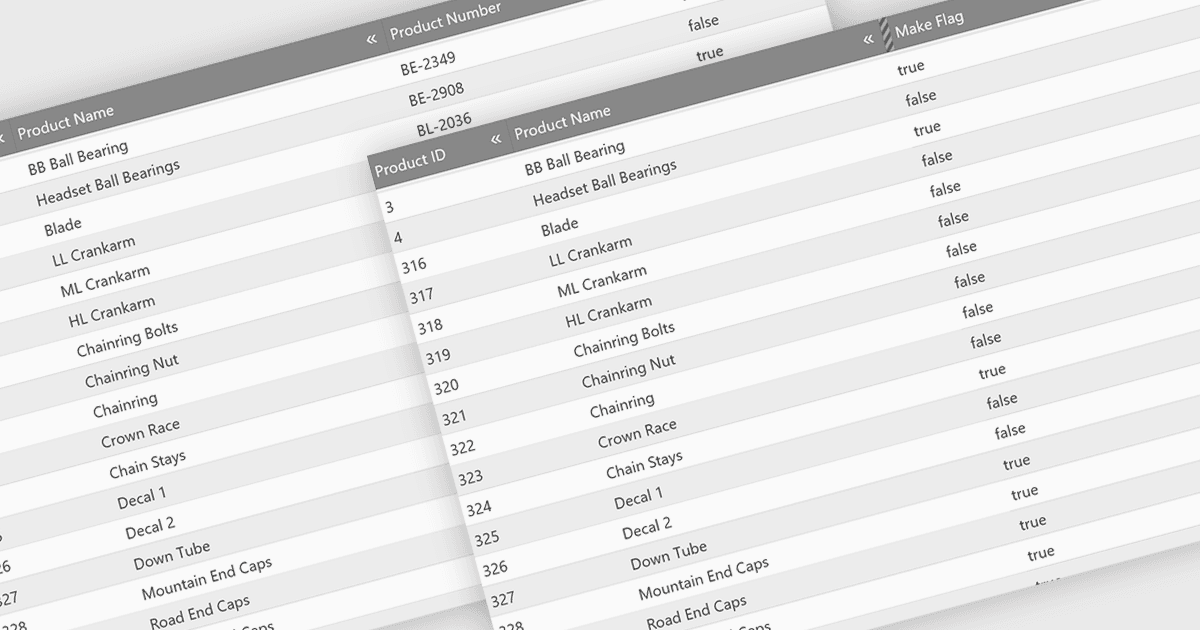
Nascondere colonne in una griglia consente di avere una visualizzazione dei dati più mirata, rimuovendo selettivamente informazioni irrilevanti o meno importanti dalla vista dell’utente. Questa funzionalità migliora la chiarezza dei dati, soprattutto per le griglie con un gran numero di colonne. Nascondendo colonne specifiche, gli utenti possono concentrarsi sui punti dati più importanti, riducendo il disordine e migliorando l’esperienza utente complessiva.
Diverse funzionalità di controllo per la jQuery Grid offrono la possibilità di nascondere colonne, tra cui:
- DevExtreme HTML5 JavaScript Data Grid (parte di DevExtreme Complete by DevExpress) consente agli utenti di nascondere selettivamente le colonne per ottenere una vista dei dati più focalizzata.
- Kendo UI for jQuery Grid (parte di Kendo UI by Telerik) permette di nascondere le colonne per dare priorità alle informazioni rilevanti e ridurre il disordine.
- Syncfusion Grid control for JavaScript (parte di Syncfusion Essential Studio Enterprise) facilita la nascosta di colonne per migliorare la chiarezza e l’esperienza utente con set di dati di grandi dimensioni.
- Ignite UI jQuery Grid (parte di Infragistics Ignite UI) ti consente di personalizzare la griglia nascondendo colonne per una presentazione dei dati più snella.
Per un’analisi approfondita di funzionalità e prezzo, visita la nostra comparazione dei controlli per jQuery Grid.