Trova facilmente ciò di cui hai bisogno nei PDF
Sfrutta funzioni di ricerca potenti e strumenti di navigazione intuitivi per individuare rapidamente e in modo efficiente le informazioni di cui hai bisogno all’interno di un documento.
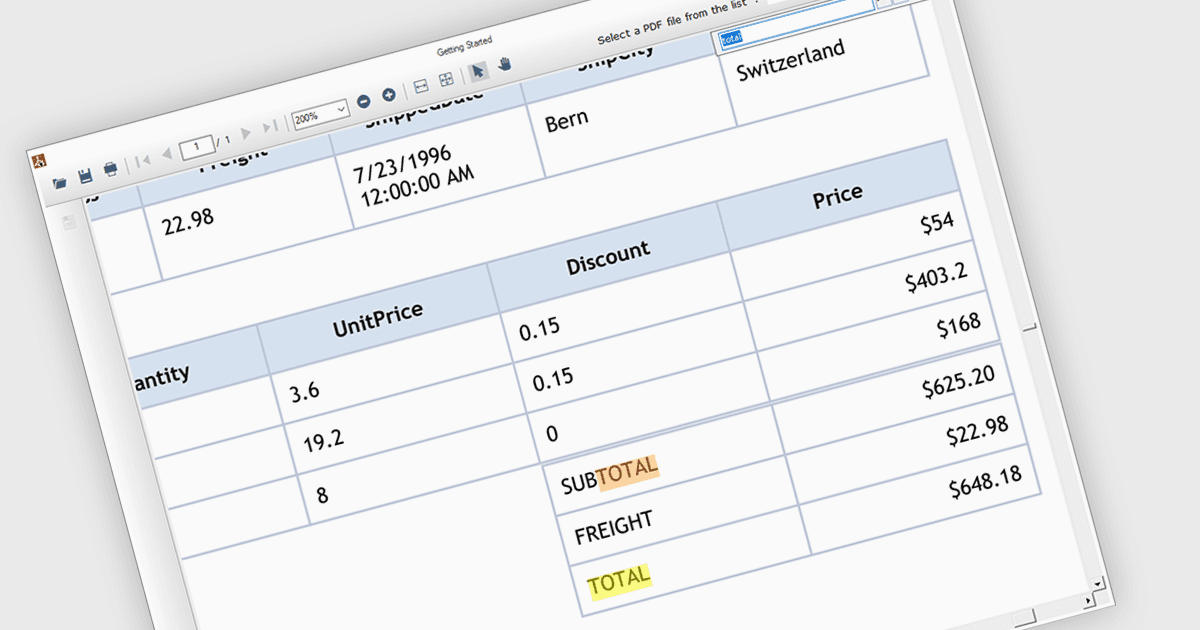
La funzionalità di ricerca del testo nei componenti PDF consente agli sviluppatori di integrare una barra di ricerca o un pulsante nella propria applicazione, permettendo agli utenti di trovare termini o frasi specifiche all’interno di un documento PDF caricato. Ciò consente agli utenti di individuare rapidamente le informazioni pertinenti, migliorando l’efficienza e l’esperienza utente. La ricerca del testo è particolarmente utile per applicazioni che gestiscono PDF grandi o complessi, come documenti legali, articoli di ricerca o manuali tecnici.
Diverse componenti PDF .NET WinForms supportano la ricerca di testo, tra cui:
- ComponentOne Studio WinForms PDF (parte di ComponentOne Studio WinForms di MESCIUS) facilita l’esplorazione approfondita dei PDF con funzionalità complete di ricerca del testo.
- Telerik UI PDF per WinForms (parte di Telerik UI for WinForms) offre una rapida funzionalità di ricerca del testo nei PDF all’interno delle applicazioni WinForms, consentendo agli utenti di individuare velocemente le informazioni.
- ImageGear per .NET di Accusoft sblocca potenti capacità di ricerca del testo nei PDF, permettendo agli utenti di individuare con facilità termini e frasi specifiche, semplificando l’analisi dei documenti.
- Syncfusion Windows Forms PDF (parte di Syncfusion Essential Studio Enterprise) semplifica il recupero delle informazioni nei PDF grazie alla sua funzionalità intuitiva di ricerca documenti.
Per un’analisi approfondita di funzionalità e prezzo, visita il nostro confronto tra componenti PDF per WinForms.