Unisci il contenuto PDF con documenti combinati
Unisci più documenti PDF per mantenere una formattazione coerente, semplificare la navigazione, ridurre lo spazio di archiviazione e migliorare la condivisione.
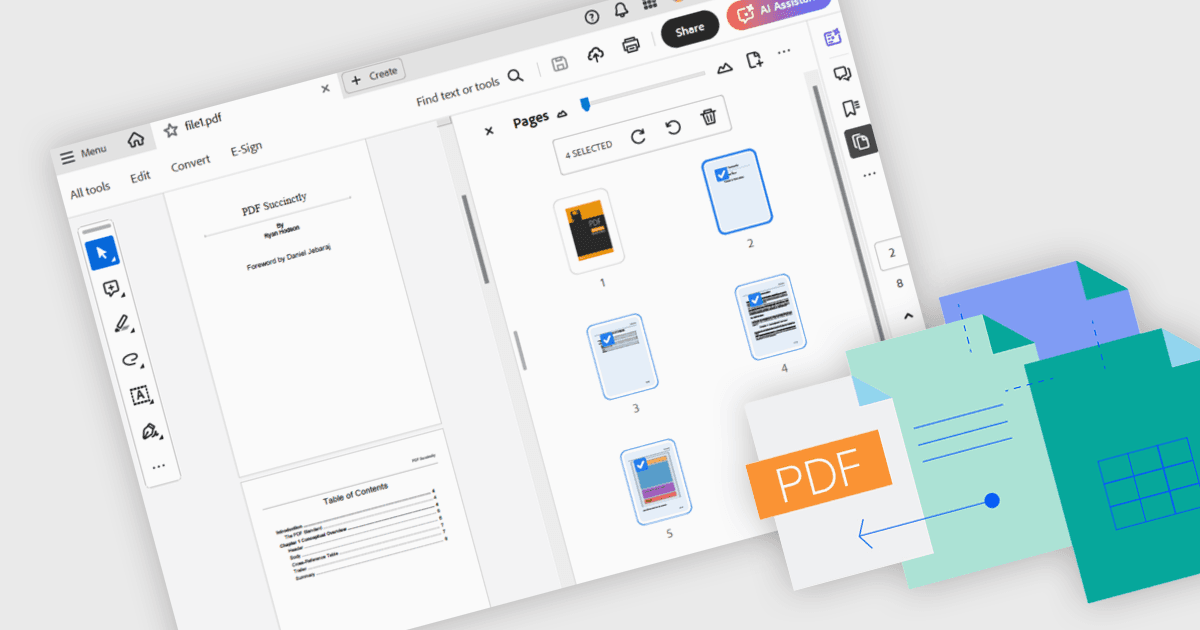
Unire i PDF significa combinare due o più file PDF separati in un unico documento coerente, preservando la formattazione originale e la qualità di ogni pagina. Questo processo migliora la gestione dei file riducendo il disordine e rendendo più semplice individuare e condividere le informazioni, minimizzando al contempo l’ingombro di archiviazione. I vantaggi includono intestazioni e piè di pagina coerenti tra le pagine e una collaborazione semplificata tramite un singolo file principale per la revisione e l’annotazione. I casi d’uso più comuni includono l’unione di articoli di ricerca per rassegne della letteratura accademica e la creazione di portfolio di progetto unificati o presentazioni per i clienti.
Diversi componenti .NET WPF per la fusione di PDF includono:
- LEADTOOLS PDF ti consente di unire più documenti PDF a livello di programmazione con un ordinamento delle pagine preciso, una gestione robusta degli errori e impostazioni di unione flessibili.
- IronPDF per .NET consente di unire file PDF in ambienti C# o VB.NET, supportando segnalibri personalizzati, compressione e crittografia.
- Syncfusion WPF PDF (parte di Syncfusion Essential Studio Enterprise) facilita l’unione di PDF con controlli dell’interfaccia utente intuitivi e una preservazione dei segnalibri senza soluzione di continuità.
- Telerik UI PDF per WPF (parte di Telerik UI per WPF) ti permette di unire pagine PDF tramite trascinamento e rilascio e supporta intestazioni configurabili e rendering ad alta fedeltà.
Per un’analisi approfondita di funzionalità e prezzo, visita il nostro confronto dei componenti .NET WPF PDF.