Organizza grandi set di dati con una gerarchia visiva
Le liste ad albero nelle UI Suite offrono un modo chiaro e personalizzabile per organizzare e navigare dati complessi, migliorando usabilità, prestazioni e controllo dell’utente.
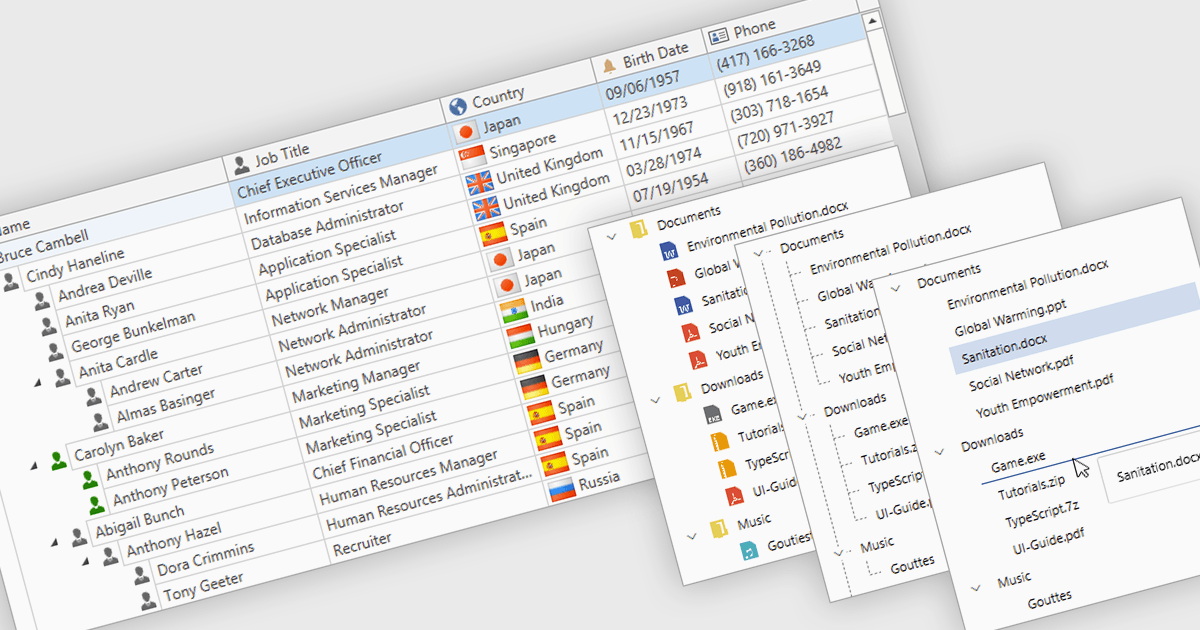
Le liste ad albero, comunemente incluse in suite di componenti UI professionali, sono controlli avanzati progettati per visualizzare dati gerarchici in modo strutturato e espandibile. Presentano in modo chiaro le relazioni padre-figlio, consentendo agli utenti di navigare con facilità attraverso più livelli di dati. Grazie a funzionalità come nodi collassabili, caricamento dinamico dei dati e template personalizzabili, le liste ad albero migliorano sia le prestazioni sia l’esperienza utente, soprattutto quando si lavora con set di dati grandi o complessi. Nello sviluppo di interfacce utente, vengono utilizzate frequentemente per esploratori di file, navigazione per categorie, impostazioni delle autorizzazioni, viste di gestione progetti e diagrammi organizzativi. Integrando le liste ad albero, gli sviluppatori possono offrire un modo più intuitivo, scalabile e interattivo per gestire informazioni strutturate.
Diverse suite WPF UI offrono componenti di liste ad albero, tra cui:
- Actipro WPF Studio ti consente di visualizzare e modificare dati gerarchici con controlli ad albero avanzati che supportano la virtualizzazione, i template e un’interazione fluida.
- Infragistics Ultimate UI for WPF ti permette di gestire visivamente strutture dati complesse tramite griglie gerarchiche personalizzabili ad alte prestazioni e viste di liste ad albero.
- Telerik UI for WPF facilita la navigazione intuitiva dei dati grazie a potenti componenti di liste ad albero con editing integrato, filtraggio e supporto per binding dei dati senza soluzione di continuità.
- DevExpress WPF consente l’esplorazione interattiva di dati gerarchici con controlli di liste ad albero ricchi di funzionalità, supportando raggruppamento, ordinamento e aggiornamenti in tempo reale.
Per un’analisi approfondita di funzionalità e prezzo, visita il nostro confronto tra suite WPF UI.