Rendi l’HTML come PDF per un output accurato
La conversione da HTML a PDF preserva layout e stile del web in un formato portabile, ideale per report, estratti conto o documenti dinamici.
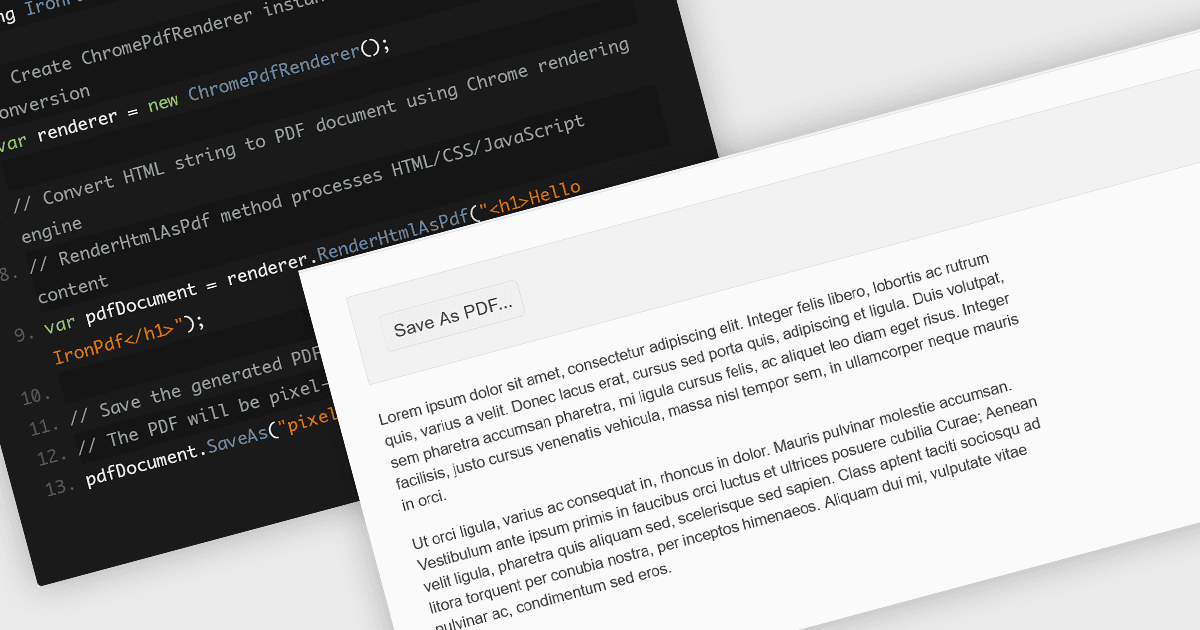
Convertire file HTML in PDF all’interno di librerie di componenti PDF offre un modo semplice per acquisire contenuti web riccamente stilizzati in un formato fisso e condivisibile. Questa funzionalità in genere utilizza un motore di rendering simile a quello del browser per rappresentare in modo accurato CSS, immagini, font e collegamenti, assicurando che ciò che vedi nel browser venga preservato nel documento. È particolarmente utile per generare report, fatture, documentazione e snapshot statici di pagine web dinamiche, unendo la familiarità del layout basato sul web con la portabilità e la coerenza dei PDF.
Diversi controlli PDF in JavaScript offrono la conversione di HTML in PDF, tra cui:
- Kendo UI PDF per Angular (parte di Kendo UI di Telerik) consente l’export lato client di qualsiasi elemento HTML o di intere pagine direttamente in PDF..
- Aspose.PDF per JavaScript tramite C++ include un motore robusto di conversione da HTML a PDF (disponibile sia in API on-premise che in API cloud) che supporta CSS e risorse esterne.
- IronPDF per Node.js di Iron Software sfrutta un motore di rendering basato su Chromium per convertire stringhe HTML, file o URL in documenti PDF.
Per un’analisi approfondita delle funzionalità e dei prezzi, visita il nostro confronto tra controlli PDF in JavaScript.