Semplifica l’inserimento dei dati con pulsanti in linea nelle app Blazor
Incorpora pulsanti di comando nei campi del modulo o nelle griglie per abilitare interazioni dell’utente più rapide e intuitive e ridurre la dipendenza da elementi UI separati.
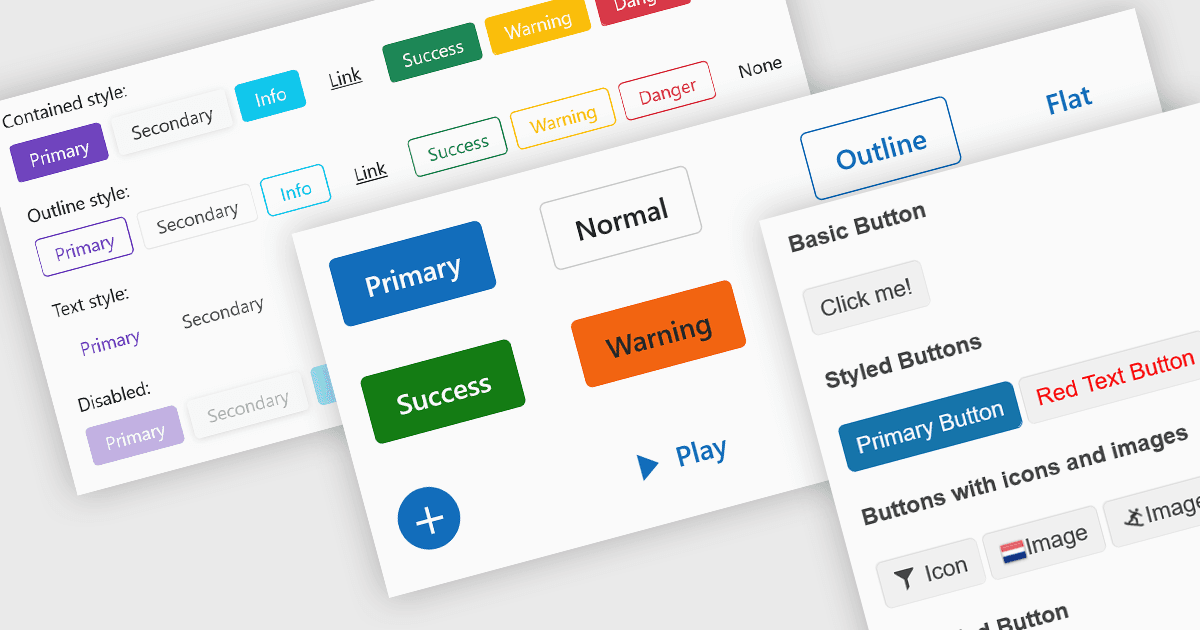
I pulsanti incorporati negli editor di dati migliorano le interazioni dell’utente fornendo trigger di comandi in linea come la cancellazione dell’input, l’apertura di menu a discesa o l’invio dei dati. Questi pulsanti possono essere integrati direttamente nei campi del modulo o nelle griglie di dati, consentendo interfacce più intuitive e compatte. Gli sviluppatori traggono vantaggio da opzioni di personalizzazione come icone, stili, comportamenti ed eventi, permettendo di adattare la funzionalità dei pulsanti ai flussi di lavoro specifici dell’applicazione. L’inclusione di pulsanti di comando negli editor semplifica le interazioni senza la necessità di elementi dell’interfaccia utente esterni.
Diverse raccolte di editor di dati Blazor offrono componenti di button editor, tra cui:
- DevExpress Blazor Data Editors (parte di DevExpress ASP.NET e Blazor) include pulsanti di comando integrati e personalizzati all’interno dei controlli di input, come i pulsanti di cancellazione nei campi di testo o i pulsanti di incremento in quelli numerici, utilizzando la classe DxEditorButton per definire il comportamento.
- Telerik UI for Blazor Data Editors (parte di Telerik UI for Blazor) supporta l’integrazione dei pulsanti sia in form autonomi sia nelle barre degli strumenti degli editor, offrendo pulsanti con stile, supporto per icone e associazioni di comandi integrate come Invia, Reimposta o azioni personalizzate dell’utente.
- Syncfusion Essential Studio for Blazor Data Editors (parte di Syncfusion Essential Studio Enterprise) consente l’integrazione di pulsanti di comando (salva, modifica, elimina) all’interno di DataGrid o di editor in-place con stile interattivo e gestione degli eventi.
- Infragistics Ultimate UI for Blazor Data Editors (parte di Infragistics Ignite UI) fornisce il componente IgbButton con configurazione di variante e dimensione, funzionalità di attivazione/disattivazione e la possibilità di includere prefissi o suffissi di icone, che possono essere incorporati negli editor di dati o nei template dei moduli per controlli interattivi.
Per un’analisi approfondita delle funzionalità e del prezzo, visita il nostro confronto tra editor di dati Blazor.