Trasforma file piatti in fogli di calcolo interattivi
L’importazione di file CSV nei componenti per fogli di calcolo consente agli utenti di manipolare, formattare e analizzare dati in semplice testo tramite interfacce familiari.
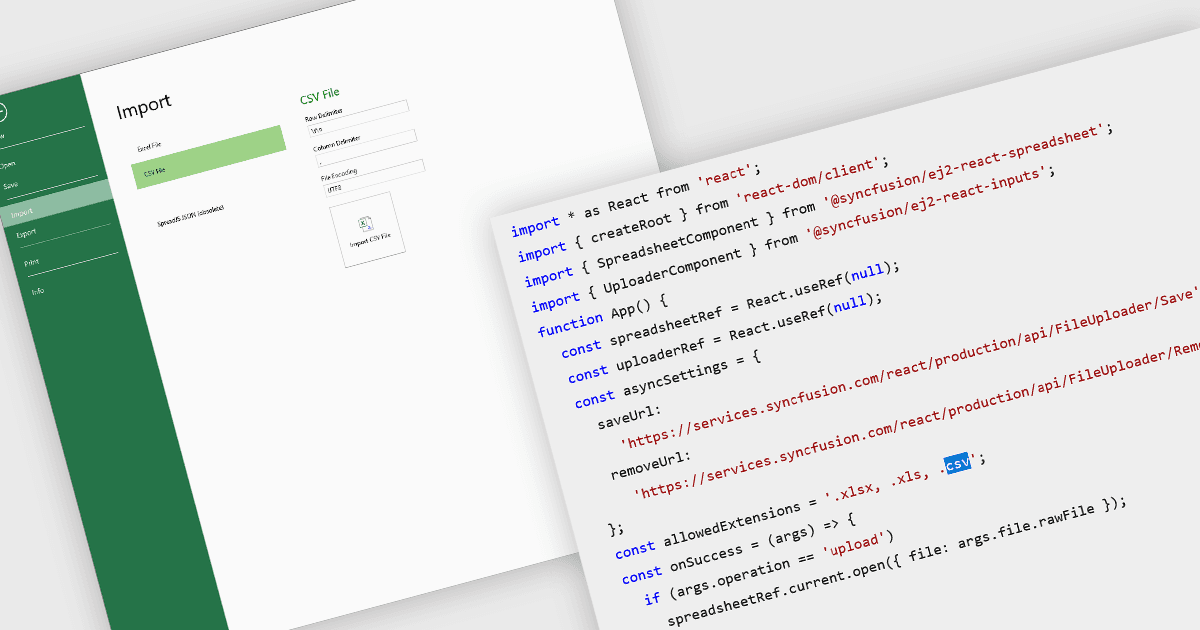
Importare file CSV nei componenti per fogli di calcolo consente a sviluppatori e utenti finali di caricare dati tabellari da formati semplici basati su testo in una griglia interattiva. La funzione in genere supporta la lettura di CSV con vari delimitatori, intestazioni facoltative e opzioni su come trattare il testo tra virgolette, le terminazioni di riga e la formattazione del testo. Fornisce un ponte tra sorgenti di dati grezzi (fogli di calcolo esportati da altri strumenti, log, esportazioni da database) e una modifica, formattazione, analisi o ulteriore esportazione più completa direttamente nel browser o nell’applicazione. Per molte applicazioni, la possibilità di accettare importazioni CSV è fondamentale per l’interoperabilità, la facilità di acquisizione dei dati e per consentire agli utenti senza competenze tecniche approfondite di importare i propri dati in un sistema.
Diversi controlli React per fogli di calcolo offrono la possibilità di importare file CSV, tra cui:
- SpreadJS di MESCIUS ti consente di importare file CSV direttamente nel foglio di calcolo, preservando la formattazione dei dati, le formule e la struttura per la modifica immediata.
- Syncfusion Spreadsheet JavaScript (parte di Syncfusion Essential Studio Enterprise) consente di caricare file CSV in fogli interattivi.
- Jspreadsheet Pro facilita l’importazione semplice di file CSV, convertendo istantaneamente i dati grezzi in un foglio di calcolo modificabile con opzioni di ordinamento, filtraggio e personalizzazione.
Per un’analisi approfondita delle funzionalità e del prezzo, visita la nostra pagina di confronto dei controlli per fogli di calcolo React.