Regola e gestisci facilmente i layout della griglia
Le funzionalità di righe e colonne consentono agli utenti di definire il modo in cui viene visualizzata l’informazione, offrendogli un maggiore controllo quando lavorano con i dati della griglia.
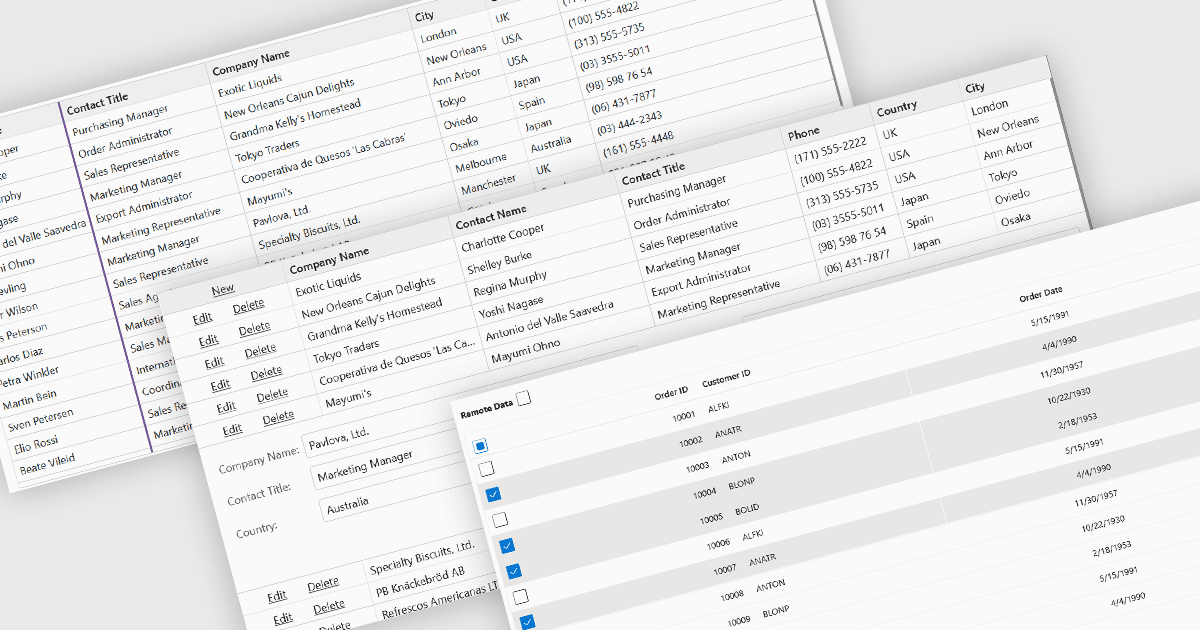
Le funzionalità di righe e colonne costituiscono il cuore dei componenti di griglia moderni, consentendo agli utenti di visualizzare, navigare e manipolare in modo efficiente i dati tabellari. Queste capacità migliorano l’usabilità e aiutano gli sviluppatori a presentare informazioni in un formato strutturato e interattivo adatto a molti tipi di applicazioni. Offrendo modi chiari per organizzare, modificare e ispezionare le informazioni, le funzionalità di righe e colonne consentono agli utenti di lavorare in modo più efficace mantenendo il controllo su come viene visualizzato il contenuto.
Funzionalità comuni includono:
- Menu contestuali offrono accesso rapido ad azioni come la modifica, l’ordinamento e la gestione delle colonne.
- Copia e incolla consentono agli utenti di trasferire facilmente i dati tra le celle della griglia o tra applicazioni esterne.
- Trascinamento supporta la riorganizzazione intuitiva di righe o colonne.
- Espansione / ridimensionamento delle colonne dà agli utenti la possibilità di regolare la larghezza delle colonne per una migliore leggibilità.
- Fissare le colonne mantiene visibili i dati chiave mentre si scorre orizzontalmente.
- Nascondere le colonne aiuta gli utenti a concentrarsi sulle informazioni più rilevanti.
- Riordinare le colonne offre un controllo flessibile su layout e preferenze di visualizzazione.
- Modifica delle righe consente modifiche dirette all’interno della griglia ai valori dei dati.
- Selezione delle righe permette agli utenti di evidenziare, raggruppare o operare su più record contemporaneamente.
Per un’analisi approfondita delle funzionalità e del prezzo, visita la nostra comparazione dei componenti della griglia Blazor.