Aggiungi contesto ai dati della griglia con i tooltip
Fornire spiegazioni, metadati o dettagli di convalida direttamente all'interno delle griglie tramite tooltip, aiutando gli utenti a comprendere i dati senza dover navigare altrove.
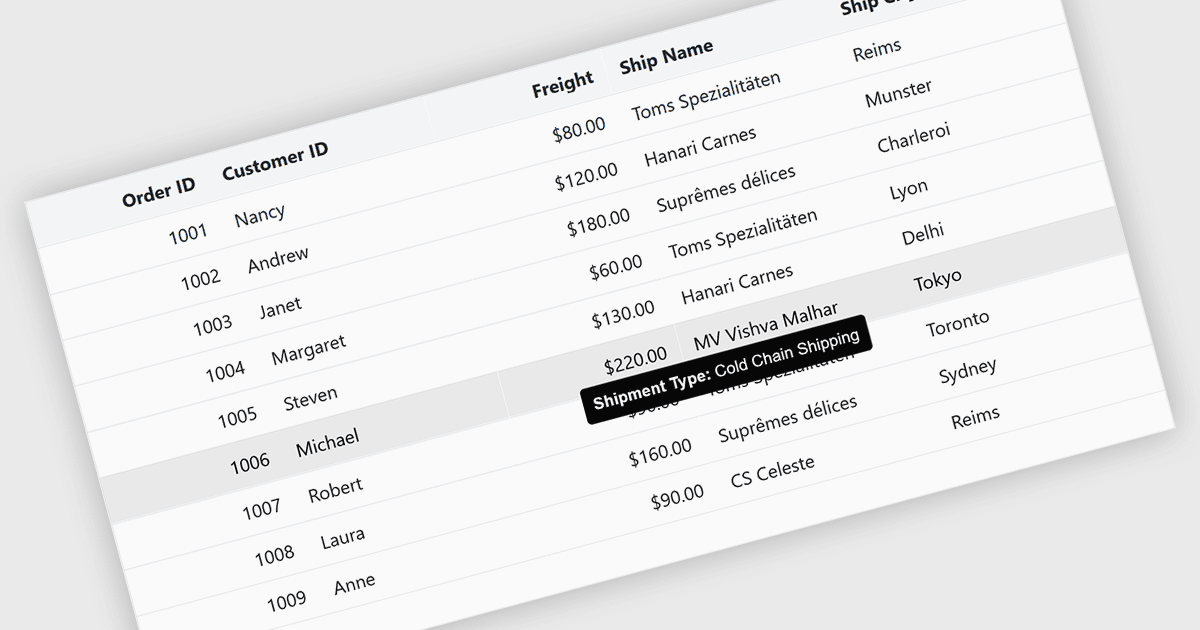
Le tooltip nei componenti a griglia forniscono informazioni contestuali che vengono visualizzate quando gli utenti passano con il mouse sopra o mettono a fuoco una cella, un'intestazione di colonna o una riga. Offrono un modo pratico per mostrare dettagli aggiuntivi, come testo completo per valori troncati, messaggi di convalida o metadati esplicativi, senza affollare il layout della griglia. Nelle interfacce ricche di dati, questa funzionalità migliora leggibilità e usabilità mantenendo la vista principale concisa, pur rendendo le informazioni secondarie facilmente accessibili quando necessario.
Diversi controlli grid di Blazor offrono FEATURE, tra cui:
- Telerik UI Blazor Data Grid (parte di Telerik UI for Blazor) fornisce tooltip configurabili per celle e intestazioni e consente agli sviluppatori di controllare contenuto, posizionamento e visualizzazione.
- ComponentOne Blazor FlexGrid (parte di ComponentOne Studio Blazor Edition by MESCIUS) offre tooltip che possono essere applicati a livello di cella, risultando utile per mostrare valori completi.
- Blazorise supporta i tooltip nelle griglie integrando i componenti tooltip con le tabelle dati, consentendo agli sviluppatori di collegare contenuti descrittivi o dinamici alle celle.
- Syncfusion Blazor DataGrid (parte di Syncfusion Essential Studio Enterprise) include funzionalità di tooltip integrate che funzionano insieme alle opzioni di personalizzazione di colonne e celle.
Per un'analisi approfondita delle funzionalità e del prezzo, visita la nostra pagina di confronto dei controlli grid di Blazor.