Applica temi per un design coerente dei fogli di calcolo
Migliora il design dei fogli di calcolo con temi personalizzabili che applicano istantaneamente colori e font coerenti per una presentazione dei dati più chiara.
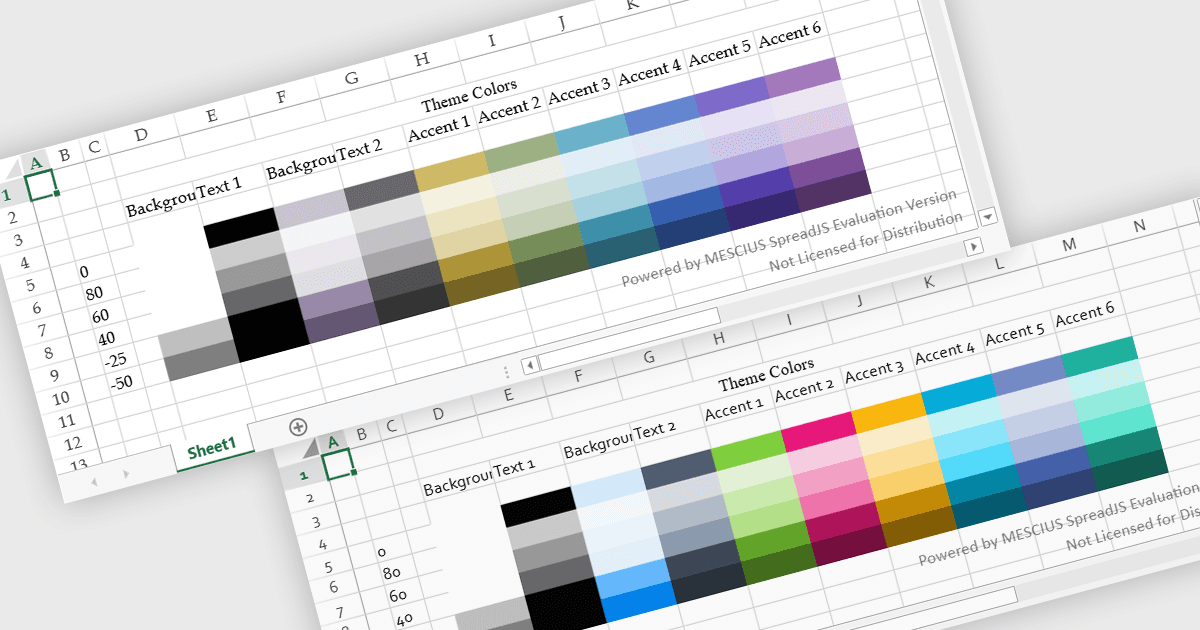
I temi dei fogli di calcolo forniscono uno stile visivo coerente applicando colori, font e formattazione coordinati a un intero workbook. Invece di applicare manualmente uno stile ai singoli elementi, gli utenti possono applicare rapidamente un tema per garantire che tabelle, grafici e intervalli di dati seguano lo stesso design. Questo migliora la leggibilità, valorizza la presentazione dei dati e aiuta a mantenere un aspetto professionale e coerente in tutti i report. I temi sono particolarmente utili quando si creano dashboard aziendali, report finanziari o documenti condivisi del team, dove una formattazione coerente e una chiara gerarchia visiva rendono i dati più facili da interpretare e da allineare al branding aziendale.
Diversi controlli spreadsheet JavaScript offrono supporto per l'applicazione dei temi, tra cui:
- Kendo UI jQuery Spreadsheet (parte di Kendo UI) di Telerik consente di applicare uno stile coerente con temi personalizzabili che unificano font, colori e formattazione.
- SpreadJS di MESCIUS consente di implementare temi riutilizzabili per spreadsheet che standardizzano gli stili visivi tra i fogli di lavoro, migliorando la chiarezza e la coerenza del branding.
- Infragistics Ultimate UI for jQuery Spreadsheet (parte di Infragistics Professional) facilita la formattazione degli spreadsheet con una formattazione basata su temi che allinea colori, font e layout.
- Jspreadsheet Pro consente agli sviluppatori di stilizzare gli spreadsheet con temi configurabili che creano una struttura visiva coerente e migliorano la leggibilità nelle tabelle basate sul web.
Per un'analisi approfondita delle funzionalità e del prezzo, visita il nostro confronto dei controlli spreadsheet JavaScript.