Riduci gli errori con input controllati
Fornisci elenchi di valori predefiniti per aiutare gli utenti a selezionare rapidamente voci valide, migliorando l'accuratezza e riducendo il carico di convalida.
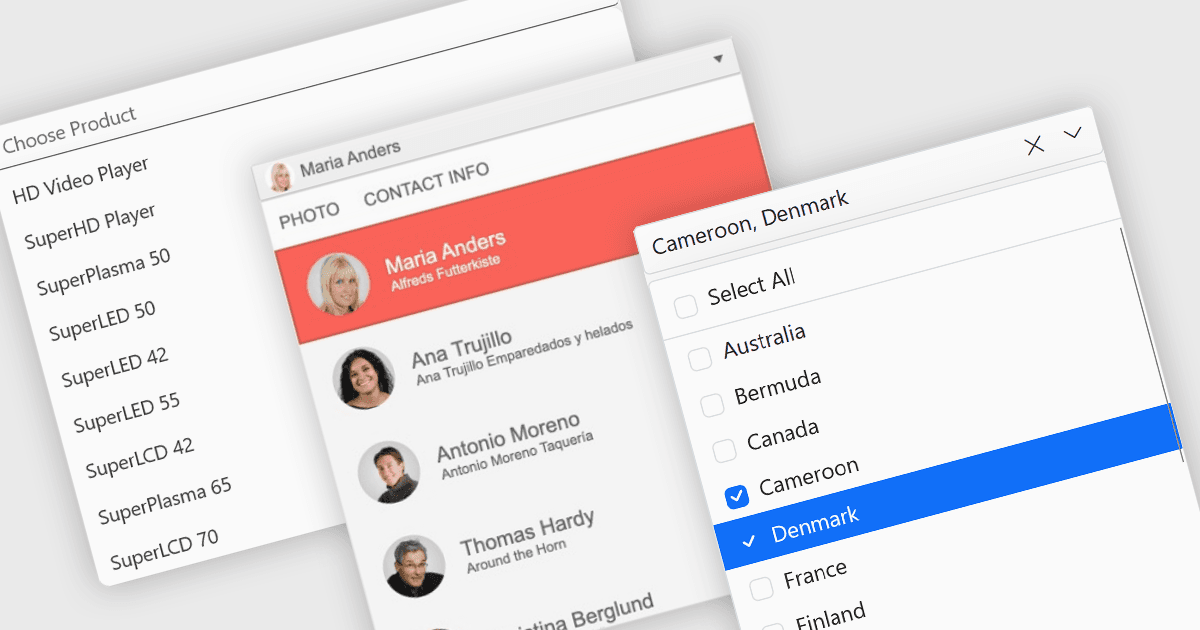
I menu a discesa e gli elenchi offrono modi strutturati per consentire agli utenti di selezionare e gestire i valori all'interno di griglie, moduli o tabelle. Limitando l'input a opzioni predefinite, questi controlli aiutano a mantenere la coerenza dei dati, ridurre gli errori di inserimento e migliorare l'usabilità complessiva. Sono comunemente usati nelle applicazioni aziendali in cui precisione ed efficienza sono importanti, come pannelli di configurazione, strumenti di gestione dei dati e sistemi enterprise.
Le funzionalità comuni includono:
- Combobox combina l'input di testo con un elenco a discesa, consentendo agli utenti di selezionare valori predefiniti oppure inserire dati personalizzati.
- Checked Combobox estende questa funzionalità abilitando selezioni multiple tramite caselle di controllo all'interno del menu a discesa.
- Image Combobox migliora il riconoscimento visivo mostrando icone o immagini accanto a ciascuna opzione.
- Listbox presenta un elenco scorrevole di elementi per la selezione singola o multipla all'interno di un'area fissa.
- Checked Listbox aggiunge il supporto per le caselle di controllo, consentendo agli utenti di selezionare più elementi in modo più chiaro.
- Image Listbox incorpora immagini negli elementi dell'elenco, aiutando gli utenti a identificare rapidamente e a distinguere le opzioni.
Per un'analisi approfondita delle funzionalità e del prezzo, visita il nostro confronto dei componenti di editor dati ASP.NET Core.