Mantieni i dati organizzati mentre cambiano i requisiti
Aggiungi facilmente colonne su richiesta per accogliere nuovi punti dati, calcoli e necessità di reportistica all’interno di fogli di lavoro esistenti.
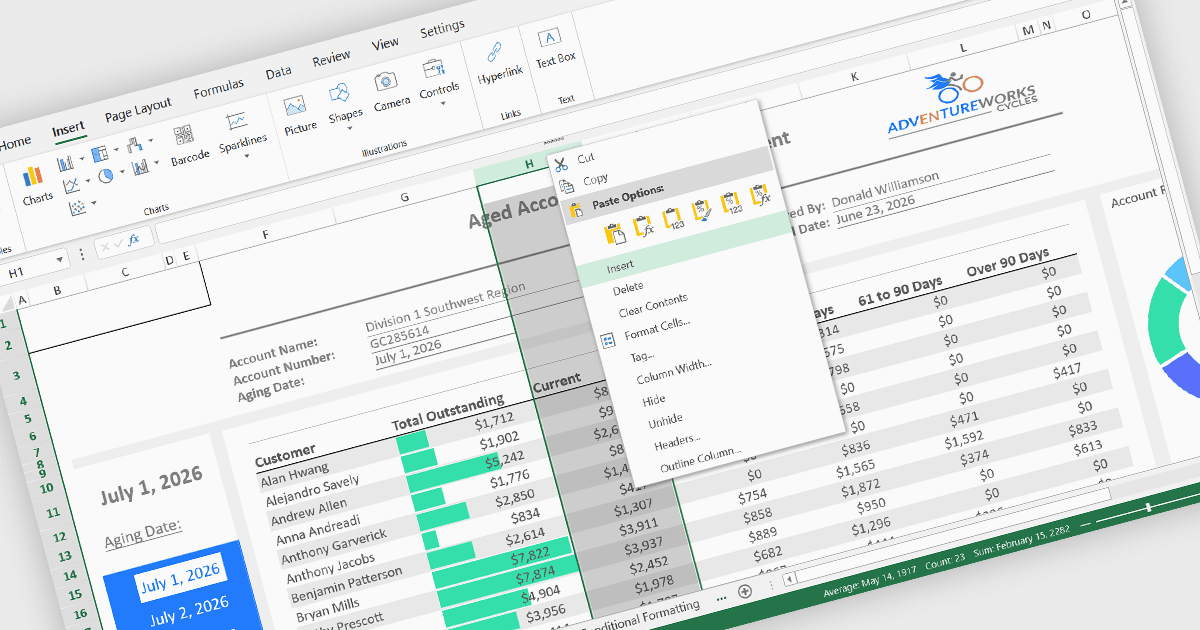
L'inserimento di colonne è una funzione fondamentale dei fogli di calcolo che consente agli utenti di aggiungere nuove colonne in qualsiasi posizione all'interno di un foglio senza interrompere i dati esistenti. Questa funzionalità aiuta a soddisfare le esigenze in evoluzione, rendendo più semplice ampliare set di dati, introdurre nuovi calcoli, catturare informazioni aggiuntive e riorganizzare i contenuti mantenendo la struttura complessiva del foglio di calcolo.
Alcuni controlli React spreadsheet offrono la possibilità di inserire colonne, tra cui:
- SpreadJS di MESCIUS consente agli utenti di inserire una o più colonne prima o dopo una colonna selezionata tramite la sua interfaccia spreadsheet e API, regolando automaticamente formule, riferimenti e struttura del foglio secondo necessità.
- Jspreadsheet Pro fornisce inserimento interattivo di colonne direttamente nella griglia, permettendo agli utenti di aggiungere colonne dinamicamente preservando i dati esistenti e supportando ulteriori personalizzazioni tramite la sua API JavaScript.
- KendoReact Spreadsheet di Telerik include capacità di inserimento colonne che riflettono le esperienze familiari dei fogli di calcolo desktop, consentendo agli utenti di aggiungere nuove colonne tramite l'interfaccia utente mantenendo la coerenza della cartella di lavoro e aggiornando gli elementi correlati dello spreadsheet.
- Infragistics Ignite UI for React Spreadsheet supporta l'inserimento di colonne all'interno dei fogli sia tramite interazioni utente che controllo programmatico, assicurando che i layout dei dati possano essere ampliati preservando formule, formattazione e integrità dello spreadsheet.
Per un’analisi approfondita delle funzionalità e dei prezzi, visita il nostro confronto dei React spreadsheet controls.