Salva dati del foglio di calcolo come XLSX
Genera fogli di calcolo XLSX direttamente dalla tua applicazione in modo che gli utenti possano condividere e analizzare i dati in software per fogli di calcolo compatibili.
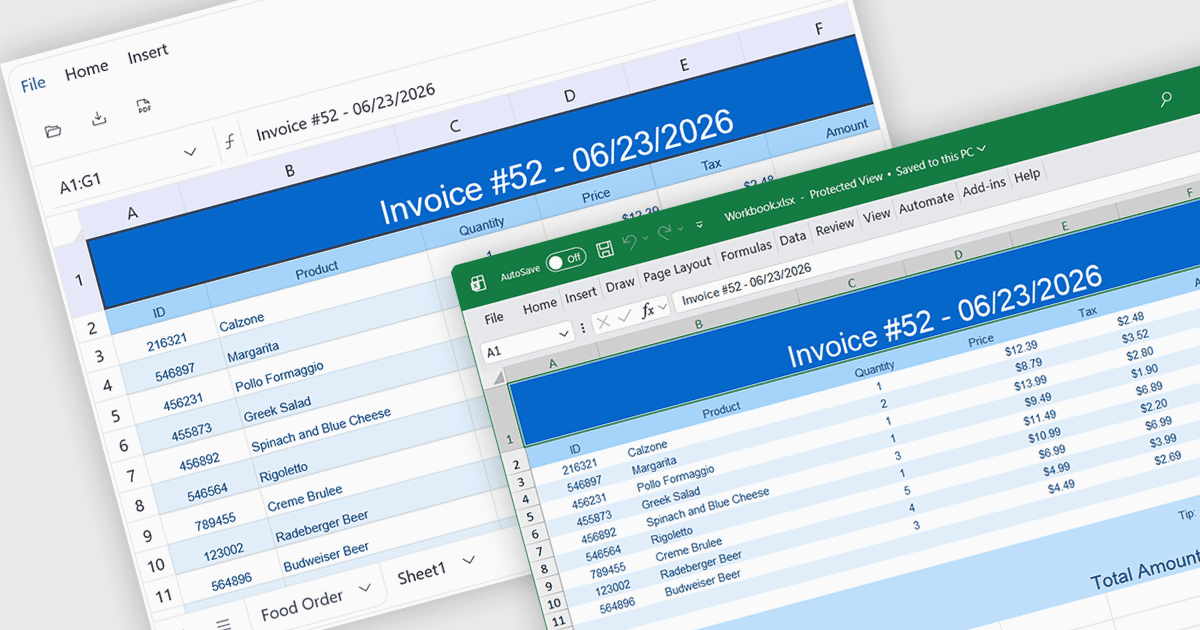
L’esportazione in XLSX in un componente foglio di calcolo è la capacità di generare file Microsoft Excel Open XML Spreadsheet (.xlsx) direttamente dai dati dell’applicazione o dallo stato attuale del foglio, consentendo agli utenti di salvare, condividere e aprire contenuti in Microsoft Excel e in altre applicazioni per fogli di calcolo compatibili. Per gli sviluppatori software, questo offre un modo affidabile per fornire dati in un formato ampiamente supportato preservando funzionalità quali fogli di lavoro, formule, formattazioni, tabelle e stili delle celle dove supportati, facilitando l’integrazione di report, scambio di dati e analisi offline nelle applicazioni senza richiedere agli utenti di ricreare o copiare manualmente i contenuti del foglio di calcolo.
Diversi controlli per foglio di calcolo Angular offrono il supporto per l’esportazione in XLSX, tra cui:
- SpreadJS di MESCIUS permette di esportare fogli di calcolo in XLSX conservando formule, formattazioni, tabelle e altre caratteristiche compatibili con Excel per uno scambio dati senza soluzione di continuità.
- Kendo UI Angular Excel Export (parte di Kendo UI di Telerik) facilita l’esportazione XLSX dal suo componente foglio di calcolo, generando file compatibili con Excel che mantengono la formattazione.
- Jspreadsheet Pro consente di esportare contenuti del foglio di calcolo in XLSX, permettendo agli utenti di condividere dati strutturati con Microsoft Excel e applicazioni compatibili.
- Infragistics Ignite UI for Angular Spreadsheet (parte di Infragistics Ignite UI) consente di esportare dati del foglio di calcolo in XLSX, aiutando le applicazioni a generare cartelle di lavoro compatibili con Excel.
Per un’analisi approfondita di funzionalità e prezzi, visita la nostra comparazione dei controlli per foglio di calcolo Angular.