Abilitare l'inserimento di testo nelle applicazioni ASP.NET MVC
Crea un'interfaccia utente che offra agli utenti un modo semplice per inserire e modificare testo utilizzando componenti di caselle di testo riutilizzabili per un inserimento dati efficiente.
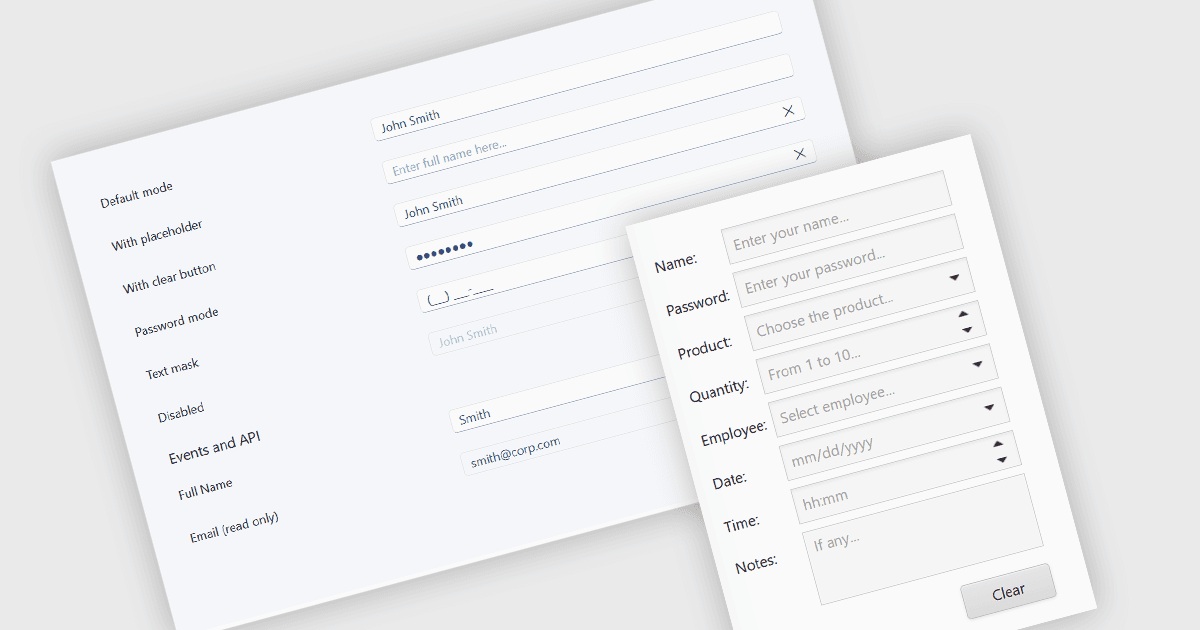
I componenti casella di testo sono controlli dell'interfaccia utente che consentono agli utenti di inserire e modificare testo all'interno di un'applicazione. Sono comunemente utilizzati per attività come inserimento dati, ricerca e compilazione di moduli e spesso offrono funzionalità come validazione, formattazione, testo segnaposto e supporto all'accessibilità. Aiutando gli sviluppatori a creare esperienze utente coerenti, migliorare la qualità dei dati e ridurre lo sforzo di implementazione tramite funzionalità riutilizzabili, i componenti casella di testo sono una parte fondamentale delle applicazioni web e desktop moderne.
Diverse raccolte di editor dei dati ASP.NET MVC offrono un componente casella di testo, tra cui:
- DevExpress ASP.NET MVC Data Editors (parte di DevExpress ASP.NET e Blazor) include un editor Text Box che supporta l'inserimento di testo a singola linea, aspetto personalizzabile, maschere di input, testo segnaposto, binding del modello ASP.NET MVC e integrazione con la validazione lato client.
- Telerik UI for ASP.NET MVC Data Editors (parte di Telerik UI for ASP.NET MVC) fornisce un componente TextBox con stile configurabile, etichette flottanti, validazione, funzionalità di accessibilità e integrazione con moduli ASP.NET MVC e modelli di dati.
- Syncfusion ASP.NET MVC Data Editors (parte di Syncfusion Essential Studio Enterprise) offre un controllo TextBox con etichette flottanti, validazione, supporto per pulsante di cancellazione, stile personalizzabile e supporto all'accessibilità per applicazioni ASP.NET MVC.
Per un'analisi approfondita delle funzionalità e dei prezzi, visita il nostro confronto delle raccolte di editor di dati ASP.NET MVC.