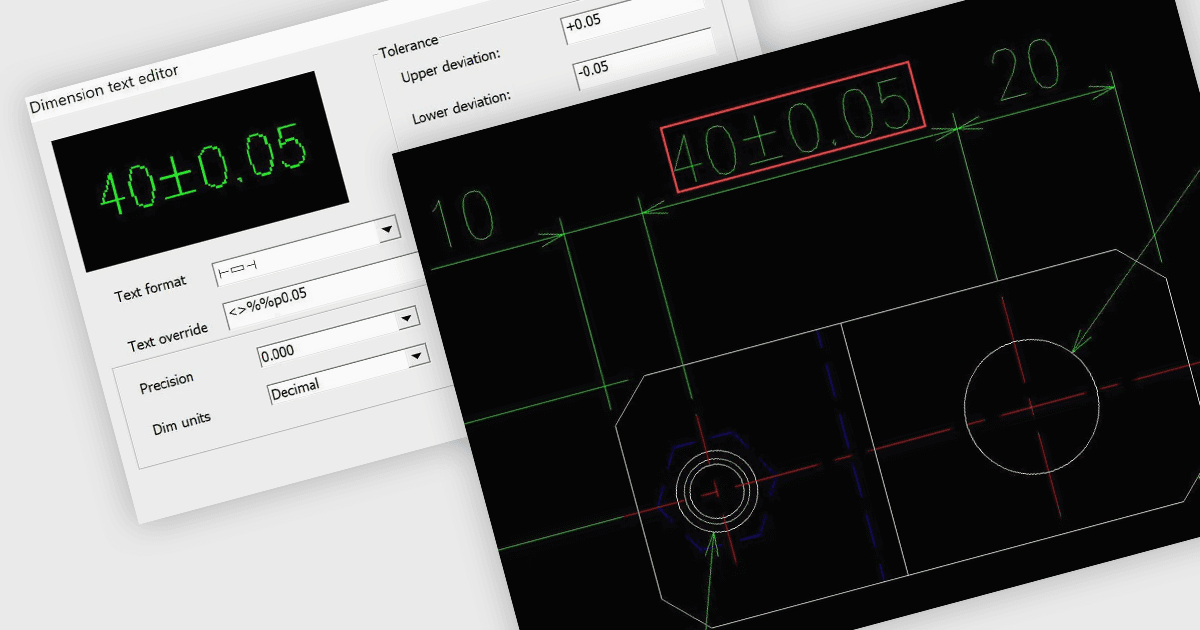
Manipola i disegni CAD con maggiore flessibilità
DWGSee CAD 2025 aggiunge una quotatura migliorata, una selezione avanzata e l'isolamento/nascondimento degli oggetti, offrendo agli sviluppatori un controllo più granulare.
Software CAD leggero per una progettazione e modifica 2D efficienti.

Prezzi da:
| Disponibile singolarmente | Il nostro prezzo |
|---|---|
| DWGSee CAD | Caricamento |
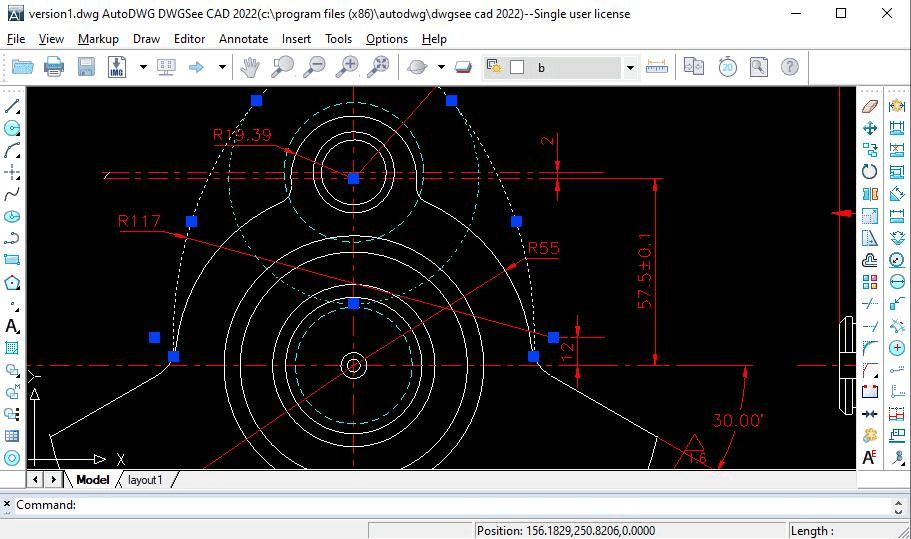
Apri e modifica rapidamente file DWG, DXF e DWF con un ridotto utilizzo delle risorse di sistema, consentendo flussi di lavoro 2D efficienti.
Accedi a una varietà di strumenti per disegnare linee, forme, testo e annotazioni, consentendo una creazione e revisione completa di progetti 2D.
Utilizza le funzionalità Dimension Driven per tracciare componenti con misurazioni precise della lunghezza, migliorando la precisione del progetto.
Aggiungi annotazioni, note e livelli di markup ai disegni per una comunicazione chiara e una collaborazione efficace senza alterare i file originali.
Esporta i disegni direttamente in PDF o in più formati immagine come JPG e BMP, preservando i markup per la revisione e la distribuzione.
Assicura l'apertura e la condivisione senza problemi dei disegni supportando tutte le versioni dei formati di file DWG, DXF e DWF.
Lavora in modo efficiente con un'interfaccia CAD familiare che include l'input da riga di comando e menu di modifica accessibili, pensati per utenti professionali.
Esamina i dettagli riportati di seguito per assicurarti che questo prodotto sia supportato nell'ambiente in uso.
DWGSee CAD 2025 aggiunge una quotatura migliorata, una selezione avanzata e l'isolamento/nascondimento degli oggetti, offrendo agli sviluppatori un controllo più granulare.
AutoDWG, fondata nel 2002 e con sede in Cina, è specializzata nello sviluppo di applicazioni software per professionisti CAD in tutto il mondo. Si concentra nel consentire agli utenti di leggere, scrivere, crittografare, condividere e convertire file tra formati come DWG, DXF, DWF, PDF e altri. Supportata da Yiwu Xizai E-commerce Trading Company dal 2021, AutoDWG applica tecnologie moderne per creare soluzioni CAD efficienti e accessibili. Le sue offerte, tra cui software CAD leggero e applicazioni per la conversione dei file, sono popolari tra sviluppatori, ingegneri e architetti che cercano compatibilità e facilità d'uso nei loro flussi di lavoro quotidiani.

In qualità di distributori ufficiali e autorizzati dal 2017, ComponentSource ti fornisce licenze legittime direttamente da AutoDWG.