Leveraging Cell Types in ASP.NET Core
Integrate dynamic cell types into your ASP.NET Core applications for versatile data handling.
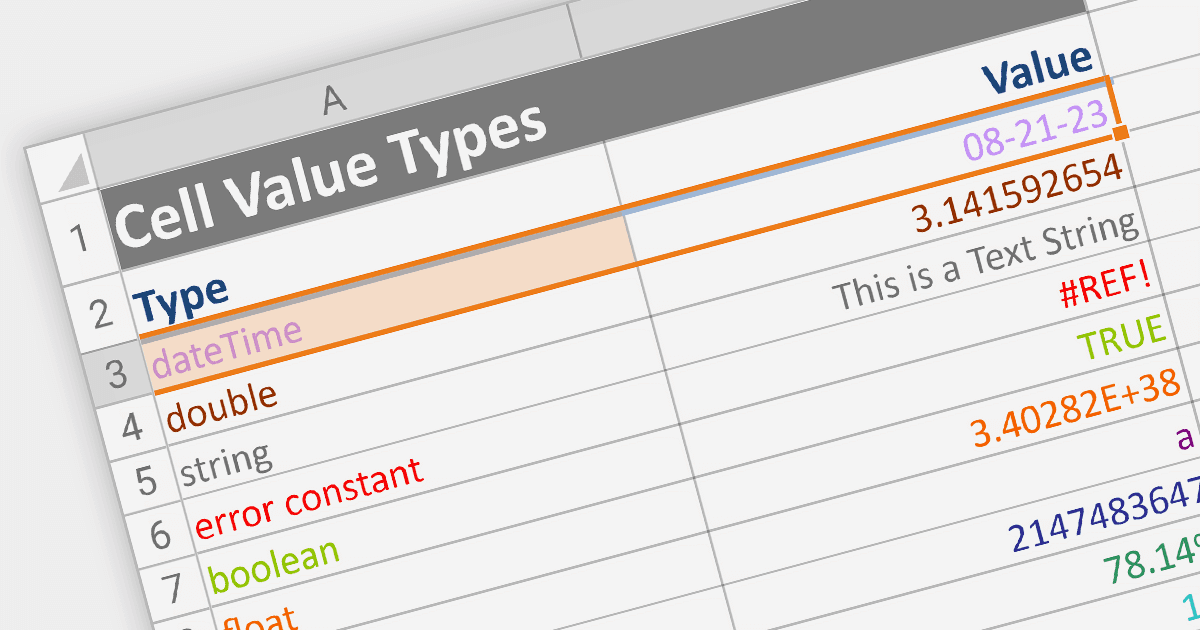
Cell types allow different data formats to be added to cells or ranges within a spreadsheet. Examples include text, number, date, formula, and sparkline. Cell types determine how data is displayed, validated, and interacted with in the spreadsheet. By using specific cell types, developers can customize the behavior and appearance of cells, allowing users to input and manipulate data accurately and efficiently in their applications.
Here are some ASP.NET Core spreadsheet controls that allow you to use multiple cell types:
- DevExpress ASP.NET Core Spreadsheet (part of DevExpress ASP.NET and Blazor) allows you to effortlessly design dynamic spreadsheets enriched with diverse cell types. From simple text to complex formulas, DevExpress offers a comprehensive toolkit for crafting interactive and data-rich sheets.
- Telerik ASP.NET Core Spreadsheet (part of Telerik UI for ASP.NET Core) equips you with the tools to build interactive Web-based spreadsheets that support various cell types. Seamlessly integrate text, numbers, dates, and formulas, creating versatile solutions for data presentation and manipulation.
- Syncfusion ASP.NET Core Spreadsheet (part of Syncfusion Essential Studio Enterprise) provides a broad range of varied cell types. From basic content to advanced functions, Syncfusion provides the flexibility to tailor your sheets to specific data needs.
For an in-depth analysis of features and price, visit our comparison of ASP.NET Core spreadsheets.