Refine Data Exploration with Range Trackbars
Adding a range trackbar to your Blazor app allows users to select the start and endpoints of a range of data, making interactive filtering easier.
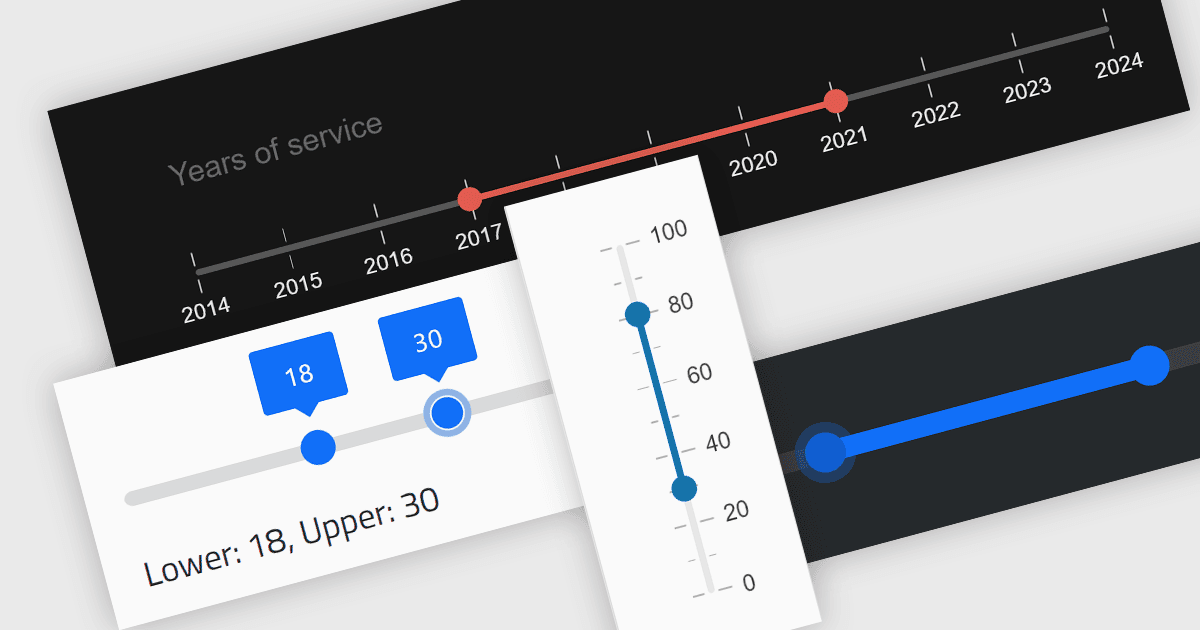
A range trackbar component, also known as a range slider, expands upon the standard trackbar by allowing users to select a range of values within a predefined minimum and maximum, instead of just a single point. This is achieved through two independent sliders or markers that define the lower and upper bounds of the chosen range. Range trackbars are commonly used in applications requiring filter selection, price range specification, or any scenario where choosing a continuous segment within a broader spectrum is necessary.
Several Blazor Data Editor controls offer range trackbars including:
- Telerik UI for Blazor Data Editors (part of Telerik UI for Blazor) lets you design sleek, interactive range controls with customizable handles, tooltips, and data binding options.
- jQWidgets Blazor Data Editors integrates performant, pixel-perfect range sliders with theming and localization capabilities.
- Syncfusion Essential Studio for Blazor Data Editors (part of Syncfusion Essential Studio Enterprise) allows you to craft accessible range sliders with cross-browser compatibility.
- Infragistics Ultimate UI for Blazor Data Editors (part of Infragistics Ignite UI) enables you to create sophisticated range trackbars with rich styling, animations, and touch support.
For an in-depth analysis of features and price, visit our Blazor data editors comparison.