Pause Program Execution at Designated Points
Breakpoints enable developers to inspect a program's state in real-time, leading to a deeper understanding of software behavior.
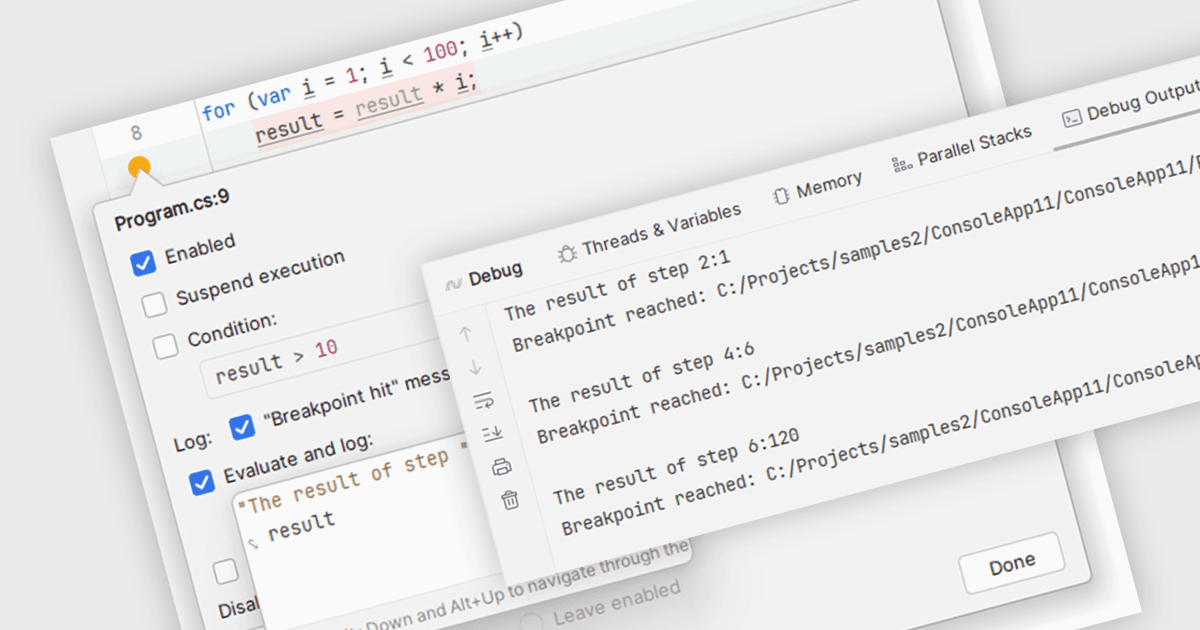
Breakpoints are strategically placed markers within your code that act as pause points during execution. When the program reaches a breakpoint, the IDE halts execution, allowing you to inspect the program's state at that specific moment. This enables you to examine variable values, analyze the call stack, and step through the code line by line. By offering this controlled environment for inspection, breakpoints become a vital tool for debugging and understanding the behavior of your software.
Several integrated development environments (IDEs) support breakpoints, including:
- C++Builder Professional by Embarcadero lets you set visual breakpoints within the IDE for intuitive debugging.
- Rider by JetBrains enables streamlined debugging with flexible line, exception, method, and data breakpoints, plus the ability to group and label breakpoints.
- EiffelStudio by Eiffel Software facilitates breakpoint setting at any program location for effective code debugging.
- RemObjects Elements allows you to set conditional breakpoints to pause execution only when specific conditions are met.
For an in-depth analysis of features and price, visit our comparison of IDEs.