Customize Your Workspace with Docking Controls
UI suites with docking functionality empower users to personalize their workspace through intuitive drag-and-drop window arrangement.
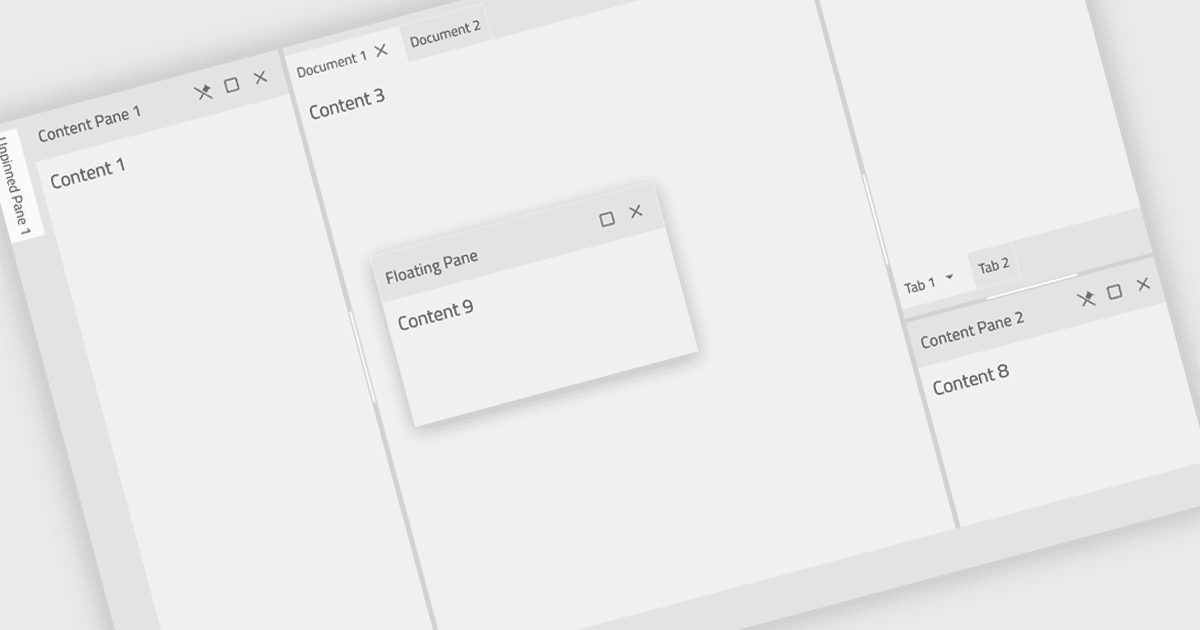
Docking controls are a user interface element that allows users to organize and customize the layout of an application's windows. These controls typically function by enabling users to drag-and-drop windows or panes to different positions on the screen, or to attach them to the edges of the main application window. This functionality provides several benefits, including increased efficiency by allowing users to arrange windows in a way that suits their workflow, improved organization by keeping relevant windows grouped together, and better screen real estate utilization by enabling users to resize and position windows for optimal viewing.
Several React UI suites feature a docking component including:
- Infragistics Ignite UI empowers developers with customizable docking layouts for complex and data-rich UIs.
- jQWidgets offers a docking framework for building user-configurable dashboards with drag-and-drop functionality.
- Smart HTML Elements facilitates the creation of intuitive UIs with a docking component that promotes flexible window management.
- SmartClient by Isomorphic Software provides a docking solution that enables users to personalize their workspace layouts.
For an in-depth analysis of features and price, visit our React UI Suites comparison.