Access Spreadsheet Data from Other Worksheets
Cross-worksheet calculations simplify complex operations, enhance the effectiveness of data analysis, and facilitate informed decision making.
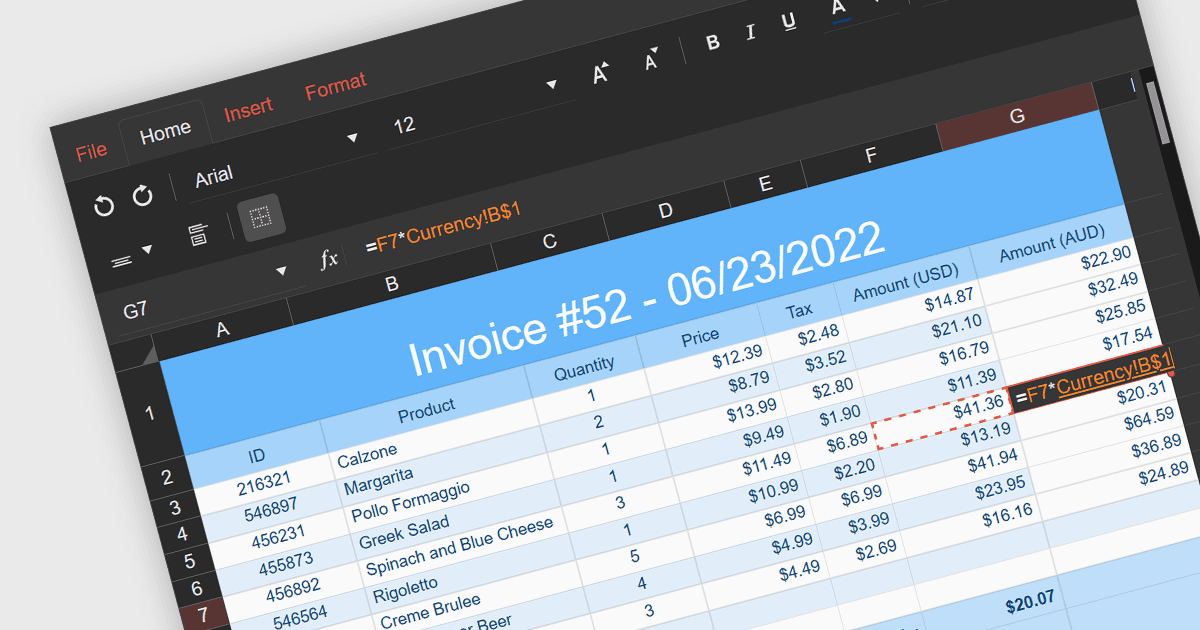
Cross-worksheet calculations involve using formulas within spreadsheet applications to reference and manipulate data across multiple worksheets within the same workbook. This allows you to consolidate and analyze information from various sections of your spreadsheet without consolidating it into a single worksheet. The ability to carry out such calculations simplifies complex operations enhances the efficiency and effectiveness of data organization and analysis.
Several React spreadsheet components support cross-worksheet calculations, including:
- Telerik Spreadsheet React (part of KendoReact) offers your applications seamless cross-worksheet formula support, enhancing productivity by enabling consolidated analysis across your spreadsheets.
- Wijmo FlexSheet (part of Wijmo by MESCIUS) supports nearly 100 formulas and facilitates dynamic inter-sheet operations, allowing users to efficiently perform calculations and manage data across worksheets within your React applications.
- Syncfusion Spreadsheet JavaScript (part of Syncfusion Essential Studio Enterprise) provides your React projects with cross-worksheet formula capabilities so you can leverage data from various sheets for comprehensive analysis and dynamic calculations.
- Infragistics Spreadsheet React (part of Infragistics Ignite UI) features a powerful React spreadsheet component with built-in cross-worksheet formula functionalities, enabling you to efficiently combine and analyze data from separate sheets.
For an in-depth analysis of features and price, visit our comparison of React spreadsheet components.