Efficiently Manage and Deploy Your Applications
Repackaging lets you build custom installers that meet your specific security and configuration needs, ensuring consistent deployments.
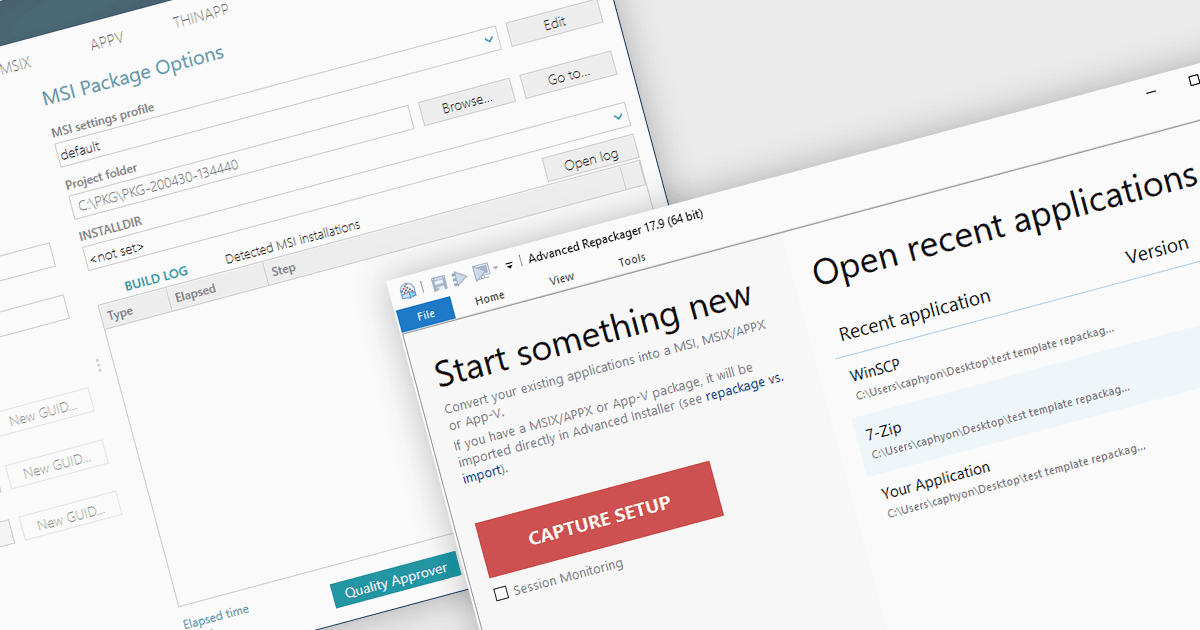
In the realm of Windows software deployment, repackaging refers to the process of adapting an existing installation program, often a traditional installer such as an EXE, into a more manageable format for large-scale deployments. This can involve capturing file system and registry changes during installation, then utilizing a repackaging tool to create a streamlined package such as an MSI that offers silent deployment, improved consistency, and better control over the installation process.
Several installation tools offer repackaging functionality including:
- Advanced Installer Architect by Caphyon streamlines software deployment by efficiently repackaging existing applications into MSI, AppX, App-V, and MSIX formats.
- PACE Suite by Infopulse includes a robust application repackager for simplifying software deployment through MSI and virtual package creation.
- AdminStudio Enterprise by Flexera offers a comprehensive repackaging toolkit for creating reliable MSI and virtualized application packages.
- Master Packager provides a user-friendly repackaging module to convert legacy applications into manageable MSI or EXE installers.
For an in-depth analysis of features and price, visit our Installation Tools comparison.