Package your Apps to Deploy on the Microsoft Store
Leveraging installation tools, developers can package applications as MSIX/APPX for streamlined deployment to the Microsoft Store.
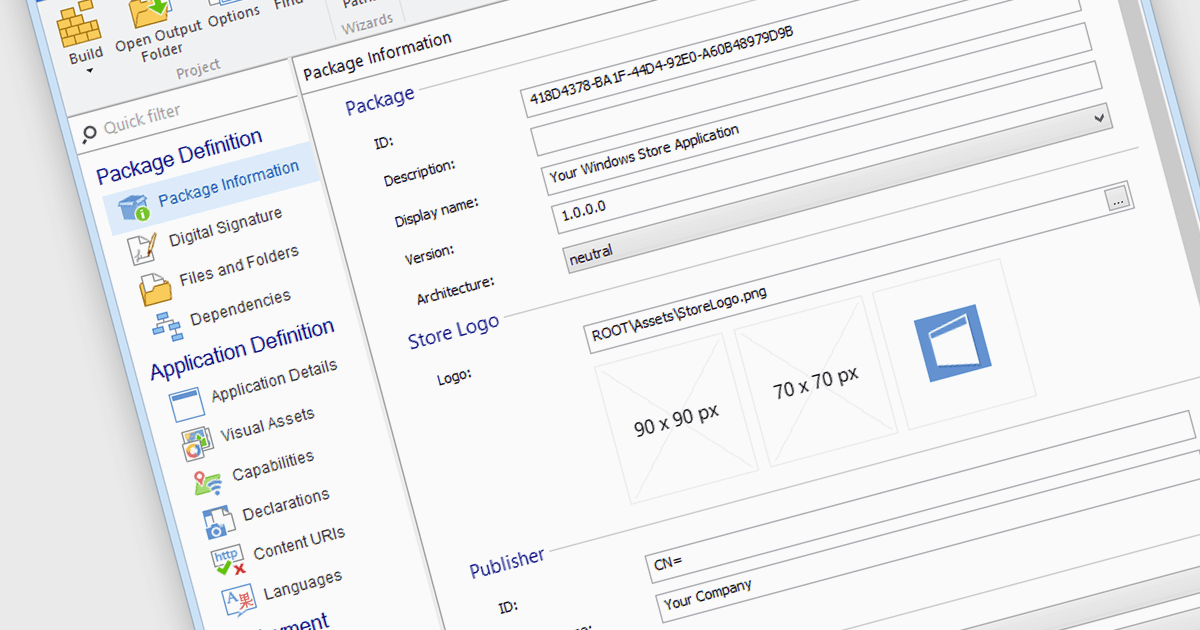
Microsoft Store Apps, also known as Universal Windows Platform (UWP) apps, use a special development framework to enable distribution via the Microsoft Store (formerly known as the Windows Store). This simplifies the installation procedure for end users, eliminates the need for manual setup scripts, and ensures compatibility with a variety of Windows devices. Software developers who use the UWP strategy benefit from a centralized distribution channel, simpler deployment, and a larger potential audience. Using installation tools to package your programs as MSIX or APPX files makes it easier to submit compliant applications to the Microsoft Store.
Several Installation Tools offer packaging for Microsoft Store Apps including:
- Advanced Installer by Caphyon lets you deploy applications to the Microsoft Store efficiently, simplifying the packaging and submission processes for developers.
- InstallShield by Revenera enables deployment of your applications to the Microsoft Store, streamlining the entire packaging and certification workflow.
- Master Packager allows you to prepare and deploy packages to the Microsoft Store, ensuring compliance with Microsoft's requirements.
- PACE Suite by Infopulse facilitates easy deployment of applications to the Microsoft Store, offering comprehensive tools for package creation and management.
For an in-depth analysis of features and price, visit our comparison of Installation Tools.