Ensure Accurate Deployment via Automated Testing
Boost software reliability and reduce deployment risks with automated package testing for seamless installations across environments.
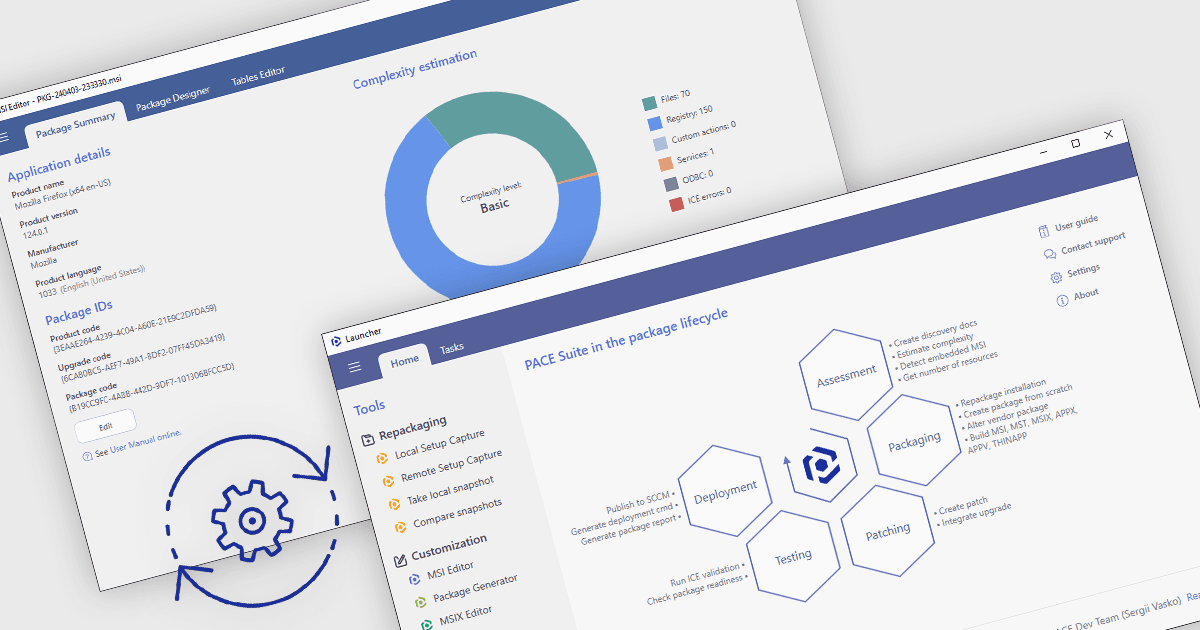
Automated package testing in installation tools uses scripts and frameworks to verify software installations, ensuring they configure correctly across environments. This approach accelerates release cycles, identifies errors early, and reduces deployment risks, improving software reliability and quality. Common use cases include validating enterprise packages in multi-OS settings, ensuring updates maintain compatibility, and confirming compliance in regulated industries. By automating these tests, teams can focus more on development, with confidence in deployment readiness and consistency.
Several installation comparison tools offer support for package testing automation including:
- InstallAnywhere by Revenera enables automated testing to ensure seamless installation and configuration across platforms, improving software reliability and deployment speed.
- AdminStudio Enterprise by Flexera facilitates automated package testing to verify compatibility, streamlining application preparation and reducing deployment errors.
- RayPack Studio by Raynet supports automated testing for package installations, enhancing accuracy in complex setups and ensuring consistent results across diverse environments.
- PACE Suite by Infopulse allows you to automate package testing for streamlined deployment, minimizing installation issues and ensuring reliable application readiness.
For an in-depth analysis of features and price, visit our installation tools comparison.