Let Users Quickly Locate Content in a PDF
Enhance the user experience of WPF apps with PDF bookmark navigation, enabling quick access to key sections when viewing complex documents.
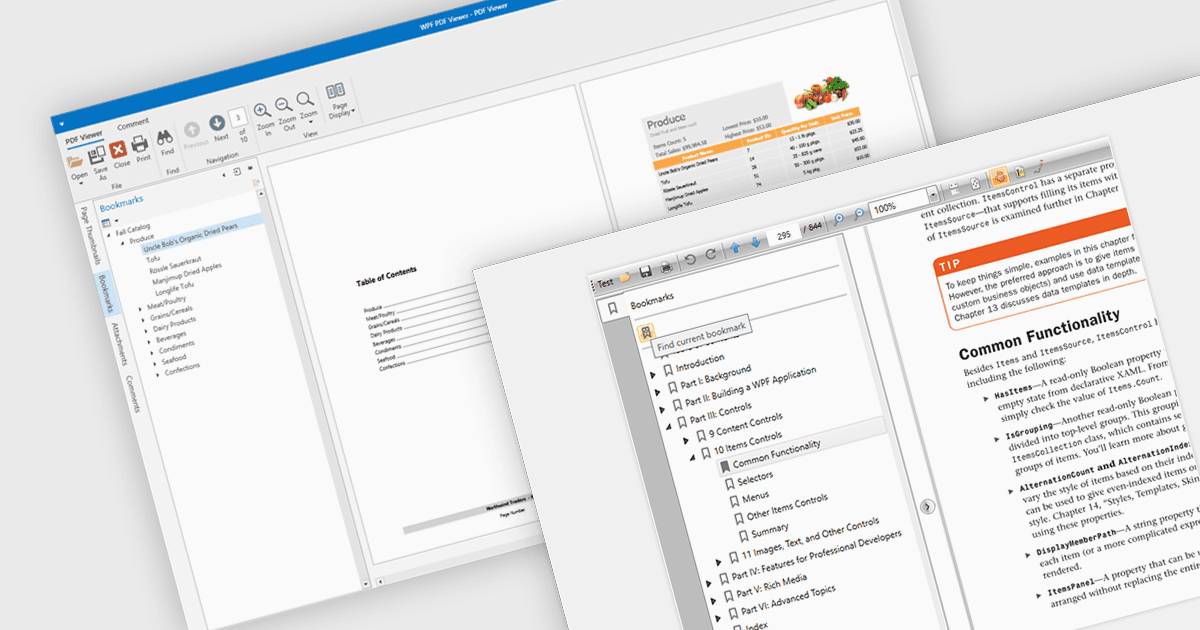
Bookmark navigation in a PDF viewer enhances the user experience by allowing quick access to specific sections within a document. This feature enables users to navigate through large PDFs efficiently by leveraging a predefined structure of bookmarks, which often correspond to headings or key sections. It improves the usability of the viewer by eliminating the need for manual scrolling or searching, making it easier to locate specific content within the document. Navigating via bookmarks is particularly beneficial for documents with complex structures, such as technical manuals, reports, and e-books, where streamlined access to key information enhances productivity and readability. By integrating bookmark support, developers can ensure that their applications provide a seamless way to jump between sections without manually scrolling or searching.
Several WPF (Windows Presentation Foundation) PDF viewer components allow you to navigate via bookmarks, including:
- DevExpress WPF PDF Viewer (part of DevExpress WPF) lets you navigate PDFs effortlessly using an interactive bookmark panel with expandable and clickable hierarchical entries.
- Telerik UI PDF for WPF (part of Telerik UI for WPF) includes support for bookmark navigation, enabling end-users to move through files while maintaining a smooth UX.
- Syncfusion WPF PDF (part of Syncfusion Essential Studio Enterprise) provides apps with bookmark functionality, so users can navigate to bookmarks present in the loaded PDF.
For an in-depth analysis of features and price, visit our WPF PDF viewer comparison.