Deliver Flexible Reports for Distribution or Archiving
Exporting and printing features give users full control over how reports are shared, stored, and repurposed across platforms and formats.
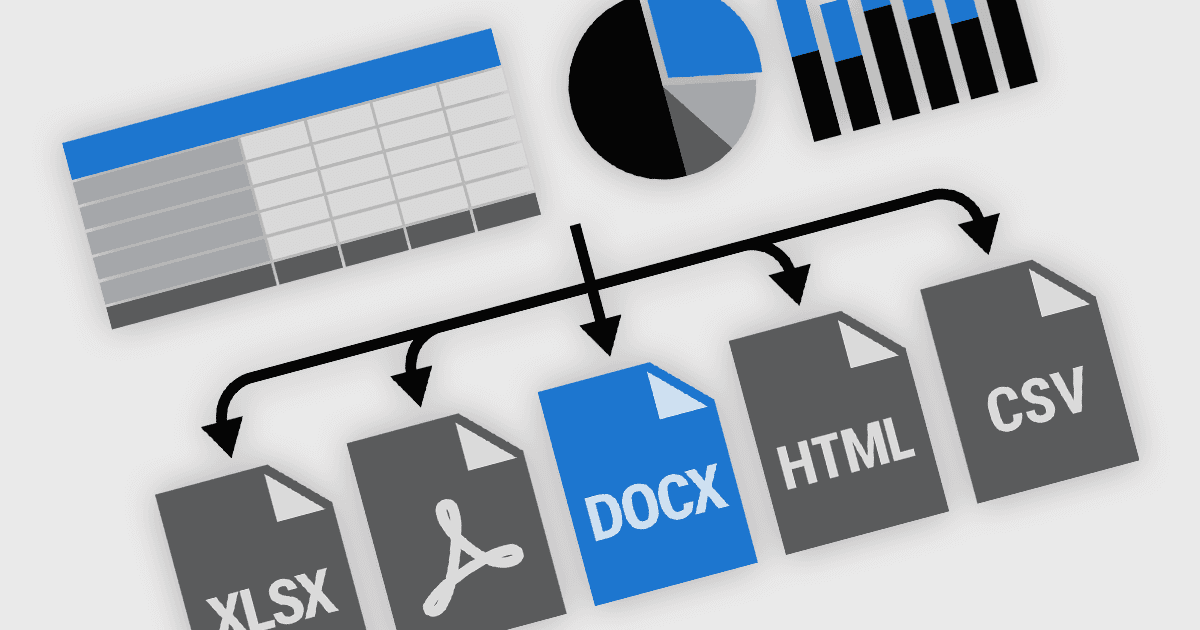
Exporting and printing functionality in reporting components is a core requirement for many software applications, particularly those used in business, finance, and analytics. These capabilities enable users to transform dynamic, on-screen reports into portable or hard-copy formats suitable for distribution, archiving, or further processing. High-performance reporting tools offer flexible export and print options to accommodate various workflows, whether for regulatory compliance, client communications, or internal documentation. Support for a broad range of output formats ensures that users can interact with report content in the way that best suits their needs.
Common features include:
- Exporting to CSV supports tabular data extraction, commonly used in data exchange and processing pipelines.
- Exporting to DOCX allows reports to be opened and edited in Microsoft Word, preserving text formatting and layout.
- Exporting to HTML transforms reports into web-friendly formats, suitable for browser-based viewing or embedding.
- Exporting to Images captures reports as static visuals for use in presentations or documentation.
- Exporting to PDF generates fixed-layout files ideal for sharing and preserving report fidelity across platforms.
- Exporting to PDF with AcroForms enables the inclusion of interactive form fields within PDFs, supporting user input and data capture.
- Exporting to RTF offers a more lightweight editable format that retains essential formatting for basic word processing applications.
- Exporting to TXT simplifies reports to plain text for lightweight use cases or system integration.
- Exporting to XLS/XLSX provides spreadsheet-compatible outputs for further analysis and manipulation in Microsoft Excel.
- Printing capabilities allow for high-quality, configurable physical output, often with options to manage pagination, headers, footers, and printer-specific settings.
For an in-depth analysis of features and price, visit our React reporting components comparison.