Instantly Highlight Grid Data Patterns
Use conditional formatting to automatically emphasize key metrics, helping to reveal trends and anomalies in your data.
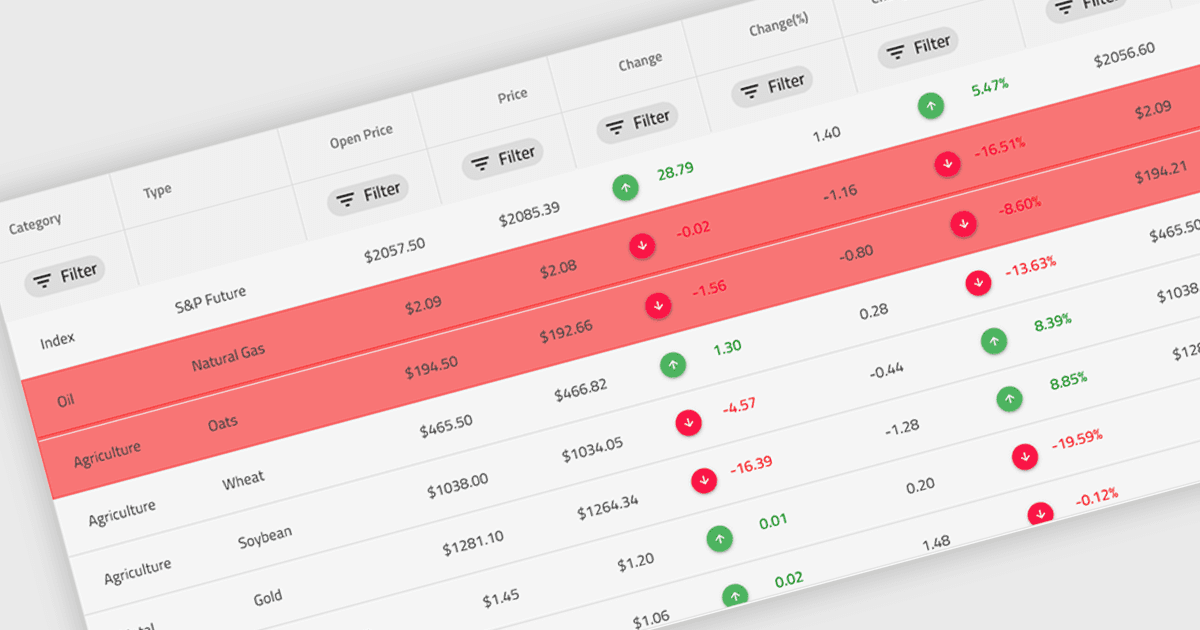
Conditional formatting in a grid refers to the dynamic application of visual styles—such as colors, icons, or font changes—to cells based on the values they contain or rules defined by the developer. This feature enables developers to visually differentiate data patterns, identify anomalies, or highlight critical values directly within a data grid without additional processing or user interaction. By presenting real-time visual cues tied to data content, conditional formatting enhances readability, supports quick analysis, and improves user decision-making, particularly in data-heavy applications where clarity and immediacy are essential.
Several Angular grid controls offer conditional formatting, including:
- Wijmo FlexGrid (part of Wijmo by MESCIUS) enables rule-based styling for grid cells, providing real-time visual feedback that improves data interpretation.
- Handsontable by Handsoncode allows you to define custom cell styling conditions, enabling immediate visual cues based on cell content or validation rules.
- Ignite UI Angular Grid (part of Infragistics Ignite UI) facilitates the automatic formatting of cells, enhancing the visibility of key data.
- Syncfusion Grid control for JavaScript (part of Syncfusion Essential Studio Enterprise) lets you apply dynamic conditional formatting rules to visually highlight data trends.
For an in-depth analysis of features and price, visit our comparison of Angular Grid controls.