Organize Large Data Sets with Visual Hierarchy
Tree lists in UI Suites offer a clear, customizable way to organize and navigate complex data, improving usability, performance, and user control.
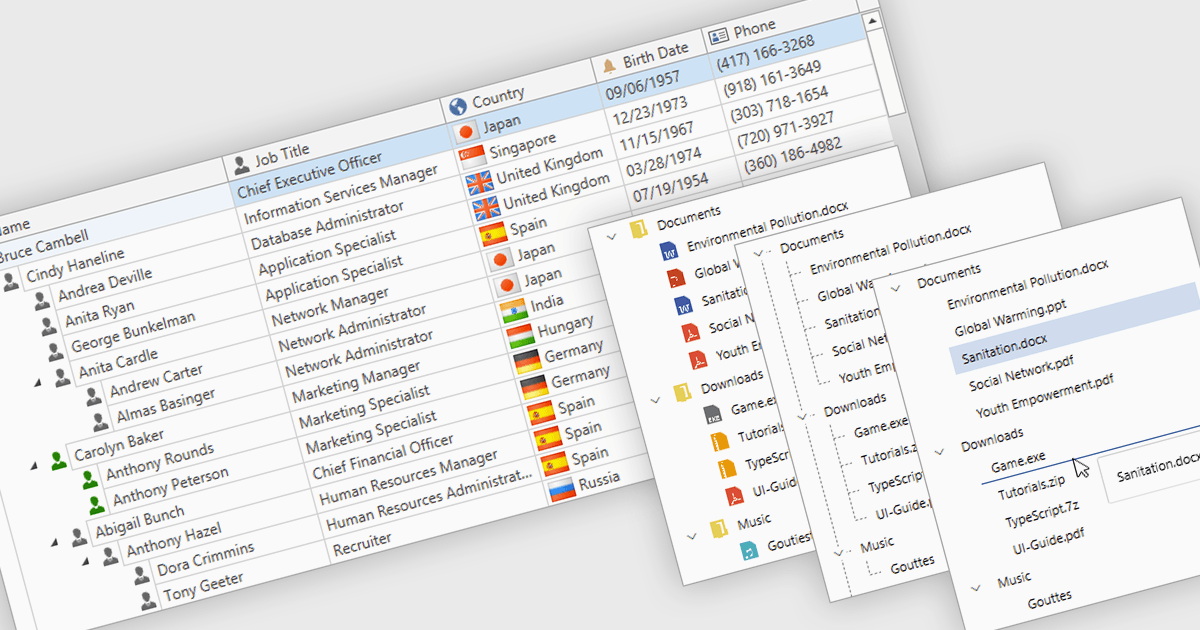
Tree lists, commonly included in professional UI component suites, are advanced controls designed to display hierarchical data in a structured and expandable format. They present parent-child relationships clearly, allowing users to navigate through multiple levels of data with ease. With features such as collapsible nodes, dynamic data loading, and customizable templates, tree lists improve both performance and user experience, particularly when working with large or complex datasets. In user interface development, they are frequently used for file explorers, category navigation, permission settings, project management views, and organizational charts. By integrating tree lists, developers can provide a more intuitive, scalable, and interactive way to manage structured information.
Several WPF UI suites offer tree list components including:
- Actipro WPF Studio lets you display and edit hierarchical data with advanced tree controls that support virtualization, templates, and smooth interaction.
- Infragistics Ultimate UI for WPF allows you to manage complex data structures visually through high-performance, customizable hierarchical grids and tree list views.
- Telerik UI for WPF facilitates intuitive data navigation using powerful tree list components with built-in editing, filtering, and seamless data binding support.
- DevExpress WPF enables interactive exploration of hierarchical data with feature-rich tree list controls, supporting grouping, sorting, and real-time updates.
For an in-depth analysis of features and price, visit our WPF UI suites comparison.